monday.com Services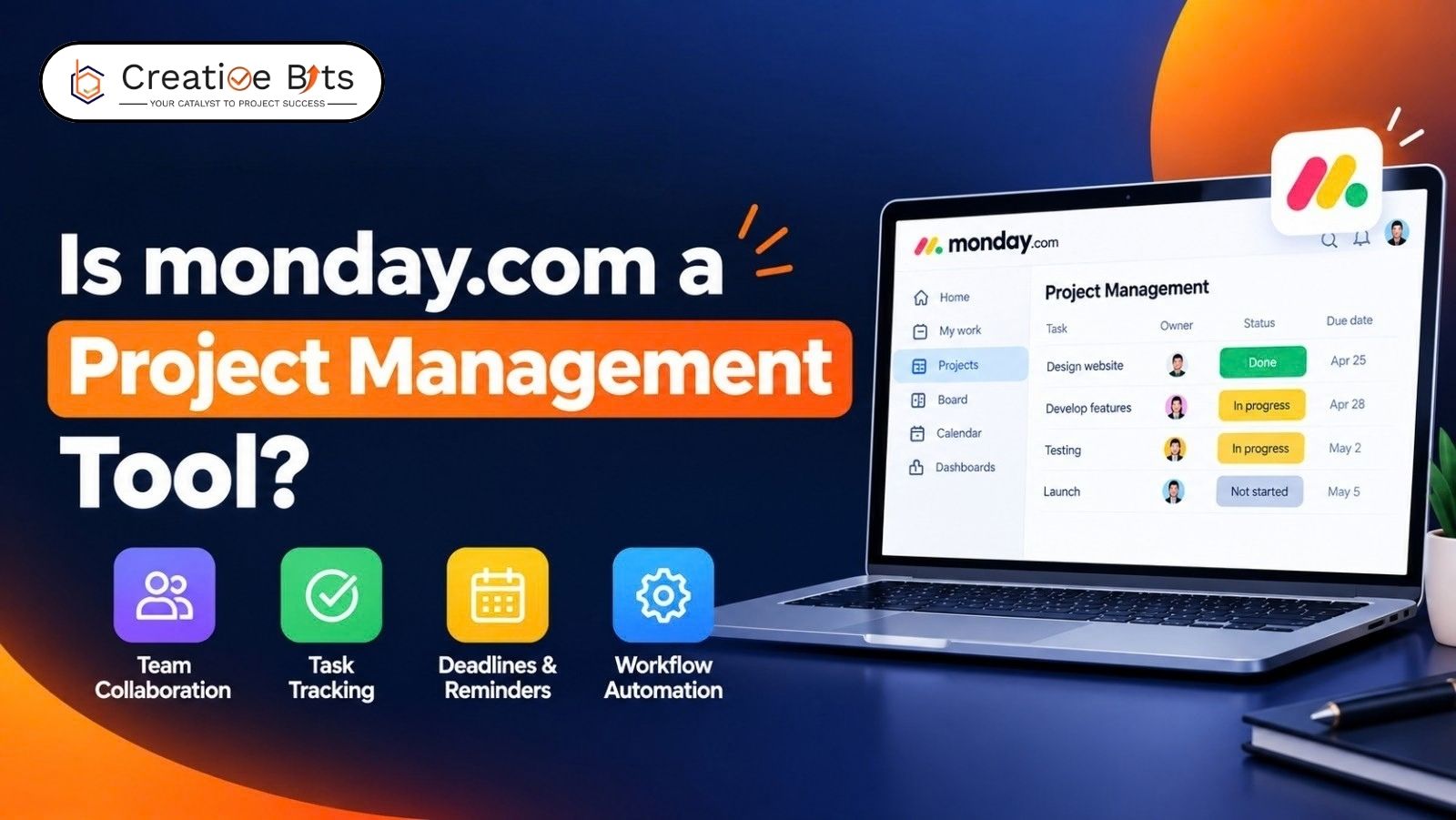
Is Monday.com Really a Powerful Project Management Tool?
With over 3,795 verified reviews averaging 4.5/5 and adoption across more than 60% of the Fortune 500, Monday.com project management has grown from a niche visual board tool into a genuine AI-powered work platform. But the question people actually search, "Is Monday.com a project management tool?", deserves a proper answer, not just a marketing headline.
Project Management Tools Monday
Among project management tools Monday-style platforms compete against, monday.com sits in the visual, highly customizable camp: colorful boards, drag-and-drop timelines, and dashboards built for teams that want to see their whole workflow at a glance rather than a rigid, form-based structure.
Is Monday.com a Project Management Tool?
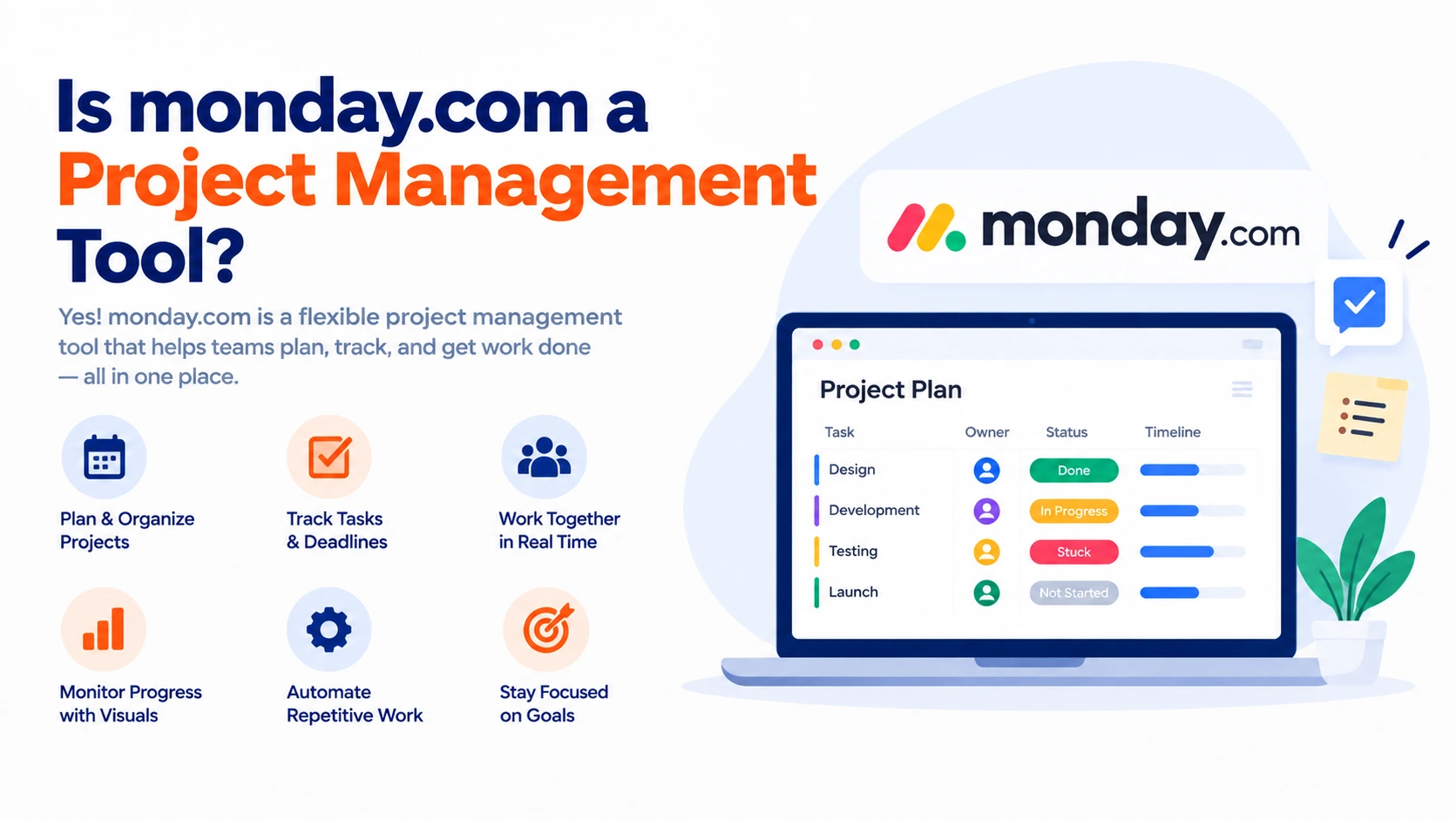
Yes, and increasingly a full AI-assisted one. Beyond basic task boards, monday.com now includes AI agents that generate a structured project plan (tasks, owners, milestones, dependencies) from a plain-language description, a Portfolio Risk Insights tool that scans timelines for at-risk tasks, and automated status reporting that pulls live board data instead of requiring manual deck compilation. Monday.com features like these push it well past a simple to-do list into genuine project management territory.
How Does Monday.com Compare to Other Project Management Tools?
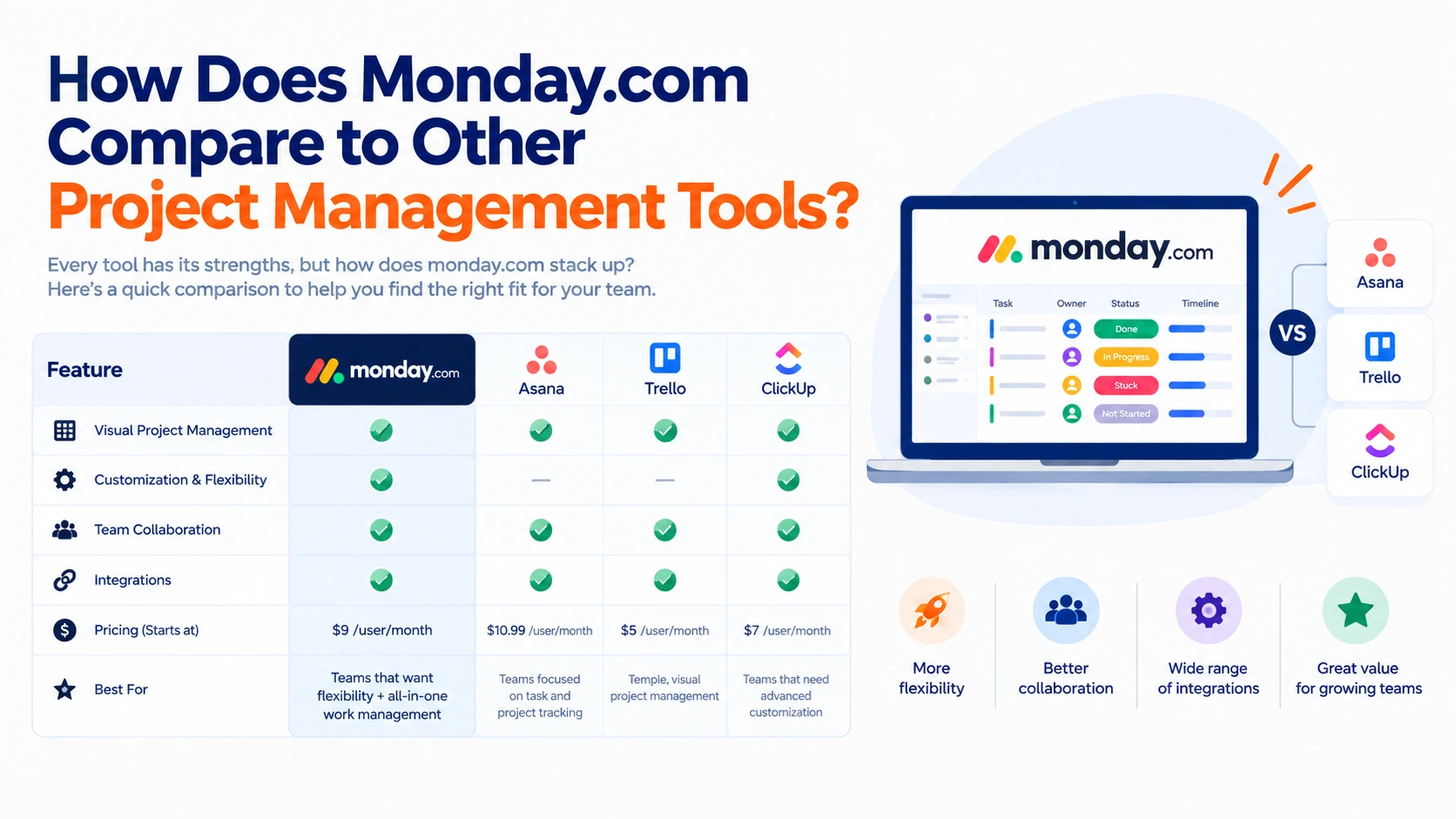
The most common comparison, Monday.com vs Asana, usually comes down to visual flexibility versus simplicity. monday.com leans into colorful, highly customizable boards and no-code automation, while Asana favors a cleaner, more form-based task structure with a gentler learning curve. Neither is objectively "better"; teams that want deep customization tend to prefer monday.com, while teams wanting something leaner often lean toward Asana. It's worth noting Monday.com also connects with 850+ tools, including Jira, Slack, Salesforce, and Microsoft Teams, through native integrations and MCP support, making Monday.com integration genuinely broad regardless of which other software your team already runs.
Can Monday.com Handle Complex Project Workflows?
For multi-department, cross-functional projects, yes. Monday.com workflow automation lets teams build no-code triggers, auto-creating tasks, sending notifications, updating statuses, and handing off work between teams, without an engineer involved. The Portfolio dashboard tracks milestones, budget, and risk across every active workstream in one view, and the Gantt-style timeline view handles task dependencies and critical-path visualization for more complex, interdependent projects.
What Pricing Plans Does Monday.com Offer for Project Management?
The pricing policy of Monday.com starts with a completely free plan, which does not ask for any payment card details and provides boards, views on several projects, and automation options. Plans that cost $9 per month per user provide AI capabilities, agents, risk analysis, and automated reports. As for pricing efficiency, it is evaluated as 9 out of 10 by many users, although there are those who emphasize its high price for big companies.
Is Monday.com Suitable for Remote Teams and Collaboration?
Absolutely, and this is one of its most consistent strengths. Monday.com is a powerful collaboration tool for teams that work remotely due to real-time board updates, shared dashboards, and communications using comment threads and @ mentions. This has been consistently mentioned by numerous reviewers as one of the core advantages of the product despite other negative aspects, including the complexity of some of the product’s features.
What Do Monday.com Reviews Actually Say?
Across all the verified reviews of Monday.com, it is quite evident that it scores very high on ease of use, functionality, and customer service (each one rated at about 9 out of 10), with the only negative point being the steep learning curve due to many features. Cost for larger teams is the second most frequent complaint, though most reviewers still rate value for money highly relative to competitors.
Task Management and Day-to-Day Use
Monday.com task management centers on customizable boards where each row represents a task, with columns for status, owner, due date, and any custom field a team needs. Reviewers consistently highlight the visual clarity this gives supervisors reviewing progress, and the ability to switch between board, timeline, and Kanban views without restructuring data underneath.
Considering a Monday.com Alternative?
For teams evaluating a Monday.com alternative, the decision usually comes down to workflow style rather than feature count. If your team wants heavy visual customization and no-code automation, monday.com tends to be the stronger fit. If simplicity and a shorter onboarding curve matter more than customization depth, a leaner tool might suit better, but for most growing teams, the breadth of monday.com's AI-assisted planning and reporting tools is hard to match feature-for-feature.
The Bottom Line
So, is Monday.com a project management tool? Clearly yes, and a genuinely capable one, backed by consistently strong reviews, broad integration support, and AI features that go beyond basic task tracking into actual plan generation and risk flagging. The real question isn't whether it qualifies as project management software, but whether its visual, highly customizable style matches how your specific team likes to work.
2. How does Monday.com compare to Asana?
Monday.com offers deeper visual customization and no-code automation, while Asana tends to favor simplicity and a gentler learning curve.
3. What are Monday.com's standout features?
AI-generated project plans, Portfolio Risk Insights, automated status reporting, and 850+ integrations are among its most cited strengths.
4. How much does Monday.com cost?
There's a free plan with core features; paid plans start around $9 per seat per month and unlock AI capabilities.
5. Can Monday.com handle complex, multi-department projects?
Yes, its portfolio dashboard, workflow automation, and Gantt-style timeline support cross-functional, interdependent project work.
6. Is Monday.com good for remote teams?
Yes, real-time board updates and centralized communication are consistently cited as reducing coordination overhead for distributed teams.
7. What do Monday.com reviews commonly criticize?
A steep learning curve, given the number of features and rising costs for larger organizations, are the most frequent complaint.
8. How does Monday.com's task management work day to day?
Tasks live on customizable boards with status, owner, and due-date columns, switchable between board, timeline, and Kanban views.
9. What's a good reason to consider a Monday.com alternative?
If your team prioritizes simplicity and fast onboarding over deep customization, a leaner tool may be a better fit.
10. Does Monday.com integrate well with other software?
Yes, it supports 850+ native integrations, including Slack, Jira, Salesforce, and Microsoft Teams, plus MCP support for AI assistants.