monday.com Services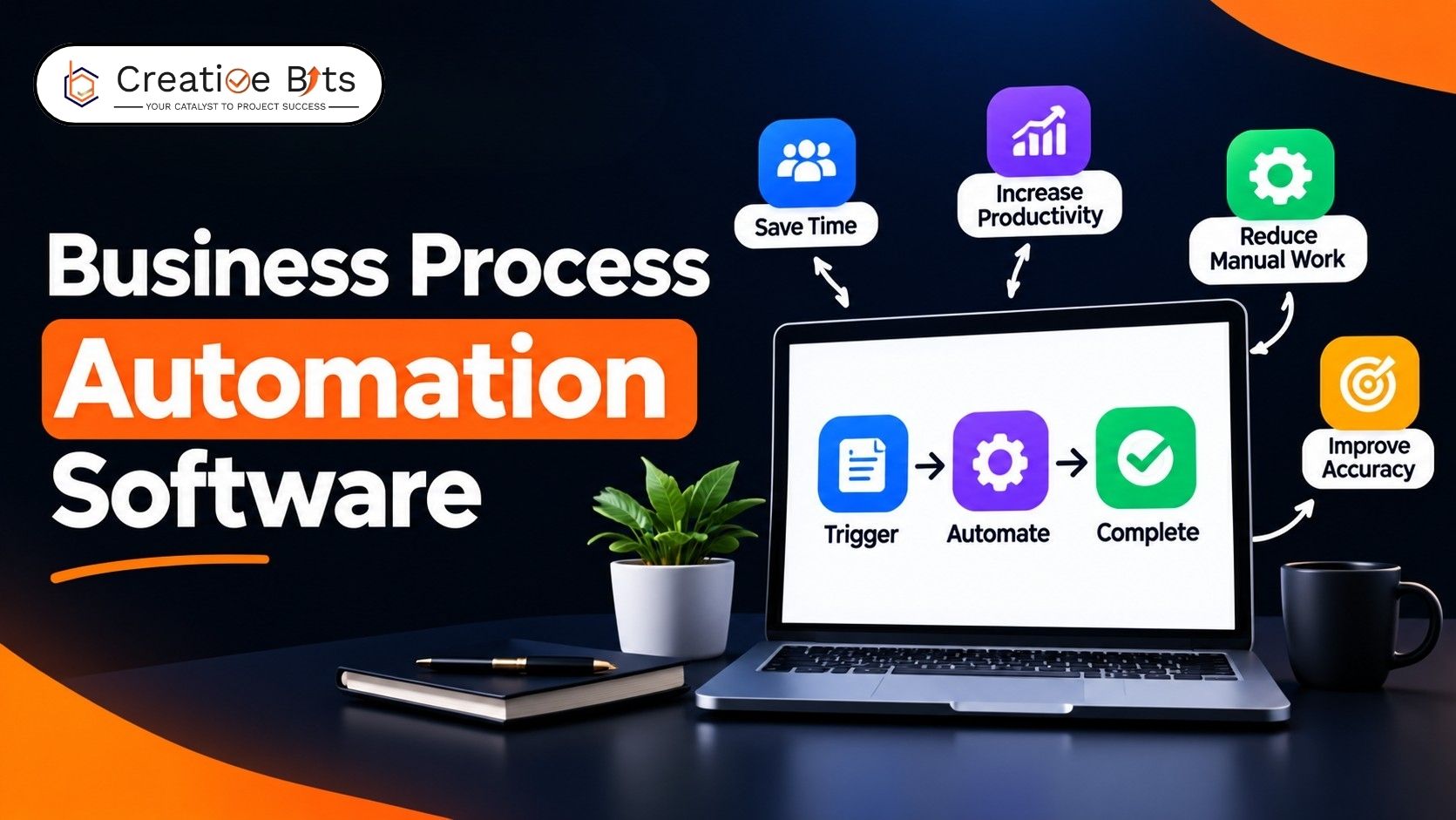
Which Business Process Automation Software Actually Matters for Real-World Deployment?
The business process automation software market has become crowded quickly, and most comparison articles simply list dozens of tools without explaining which ones actually matter in real-world deployments. This guide takes a more practical approach: an evidence-based look at business process automation software that appears consistently across independent reviews and real-world use cases, rather than every tool with a marketing page. Alongside leading RPA platforms, we'll also look at where BPM fits, how different automation tools compare, and whether AI is changing the role of robotic process automation.
What Are the Three Main RPA Tools?
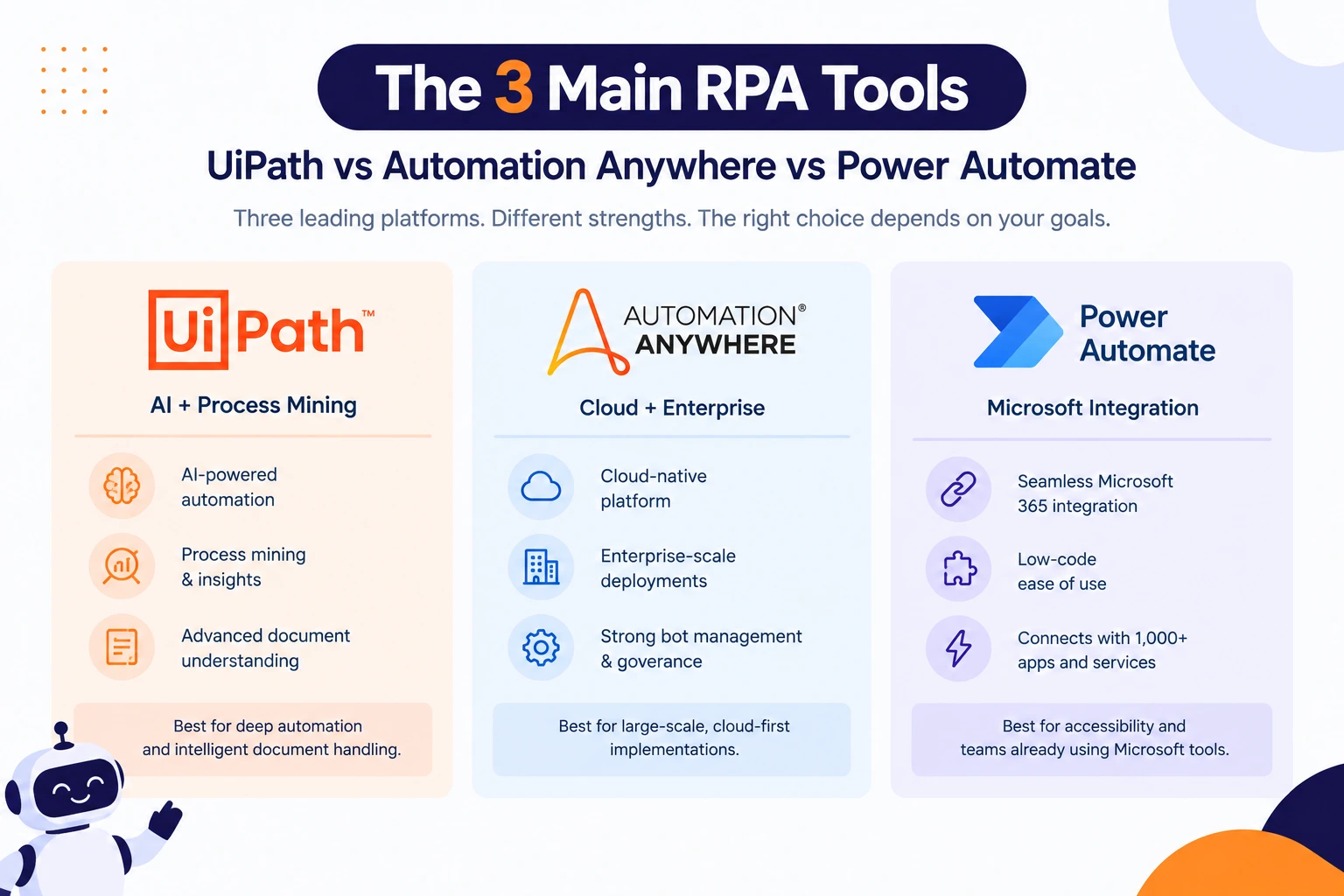
Across independent reviews and market comparisons, the three main RPA tools most consistently named are UiPath, Automation Anywhere, and Microsoft Power Automate. UiPath is typically praised for its process mining and AI-driven document understanding; Automation Anywhere leans into cloud-native, enterprise-scale deployments; and Power Automate wins on accessibility because it integrates directly with tools many teams already use daily. None of these three is universally "best"; the right pick depends on whether your priority is depth of automation, ease of rollout, or integration with an existing Microsoft or cloud stack.
What Are the Best Business Process Automation Tools?
In addition to RPA, robust business process automation solutions will include workflow orchestration, low-code application development, and AI-driven decision-making, all within a single solution. Solutions such as Kissflow, Appian, Pipefy, Bizagi, and ServiceNow frequently appear on review platforms for handling complex, cross-departmental processes. Choosing among them usually comes down to whether you need heavy customization for complex case management or a simpler, faster-to-deploy tool for a handful of core workflows.
Business Process Automation Software List Worth Knowing
A practical business process automation software list usually splits into three categories: RPA tools for repetitive tasks, BPM platforms for multi-step processes, and low-code app builders for custom internal tools. Common business process automation software examples include Power Automate and UiPath for RPA, Appian and Bizagi for BPM, and Kissflow or Zapier for lighter, no-code automation. The best business process automation software for a given team isn't necessarily the most feature-packed; it's the ones that match the complexity of the process actually being automated.
Free and Budget-Friendly Options
Not every team needs an enterprise contract to get started. Several tools offer a genuine business process automation software free tier or trial, letting smaller teams automate a handful of workflows before committing to a paid plan. That gap between a demo and a live rollout is usually where automation projects succeed or quietly stall, so testing on one real process first matters more than the tool's feature list.
What Are the Top 5 RPA Tools?
Though ranking changes annually, the RPA software solutions that have appeared most often in industry reviews include UiPath, Automation Anywhere, Microsoft Power Automate, Blue Prism, and Pega. They automate the performance of repetitive, rule-based processes efficiently; however, each is different in the way it is deployed, how it is priced, and the level of technical implementation required. Reviewing a market guide for business process automation tools, such as the ones published by major analyst firms, is a useful way to compare these five side by side before shortlisting.
Is AI Replacing RPA?
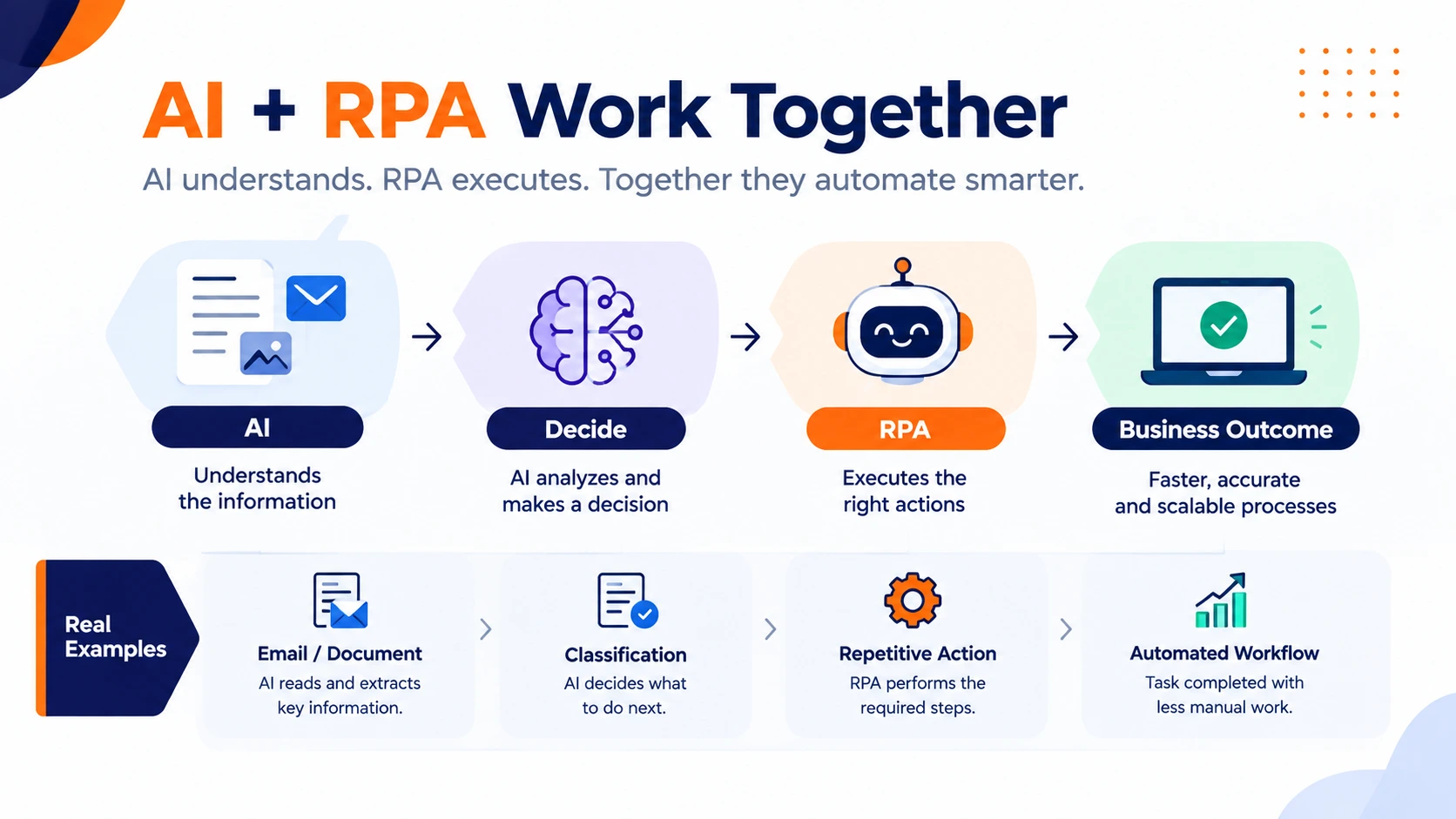
Not exactly, though the two are converging quickly. Robotic process automation still handles structured, rules-based tasks reliably. At the same time, AI adds the ability to interpret unstructured information- an email, a scanned document, a customer message- before deciding what to do with it. Most modern platforms now combine both, using RPA to execute the steps and AI to handle judgment calls that pure rules-based automation couldn't manage alone. The practical result is fewer processes that must stay fully manual just because they involve a decision.
What Are Some Examples of BPM Software?
Common examples of BPM tools include Appian, Bizagi, Pipefy, and Camunda, all developed to automate complex business processes instead of individual tasks. An example of how a BPM tool can be used includes an automated workflow involving a purchase order that gets approved by the budget, procurement, and finance departments and shows you at any moment where the process stands. This type of automation does not involve RPA per se, but it requires the combination of BPM and RPA.
Business Process Automation Companies and the Market Landscape
The list of business process automation companies spans large enterprise platforms to lighter, workflow-first tools built for growing teams. A Gartner Magic Quadrant or peer-review market guide for business process automation tools is a useful starting point for comparing them on ease of implementation, integration depth, and long-term support, rather than relying on marketing claims. Business process automation Gartner Magic Quadrant placement can be a helpful data point, but it shouldn't replace testing a tool against your own workflow first.
Past the Feature List: What Actually Determines Fit
Feature comparisons make every RPA platform look roughly equivalent on paper, since most of them can technically automate the same categories of tasks. What actually separates a good fit from a bad one is how much your team already has to change to use the tool day to day, how quickly a non-technical employee can build or edit a simple bot, and how the vendor supports you once something breaks in production rather than during the sales cycle. Those answers rarely show up in a comparison chart, but they're usually what determines whether a tool gets used six months in.