monday.com Services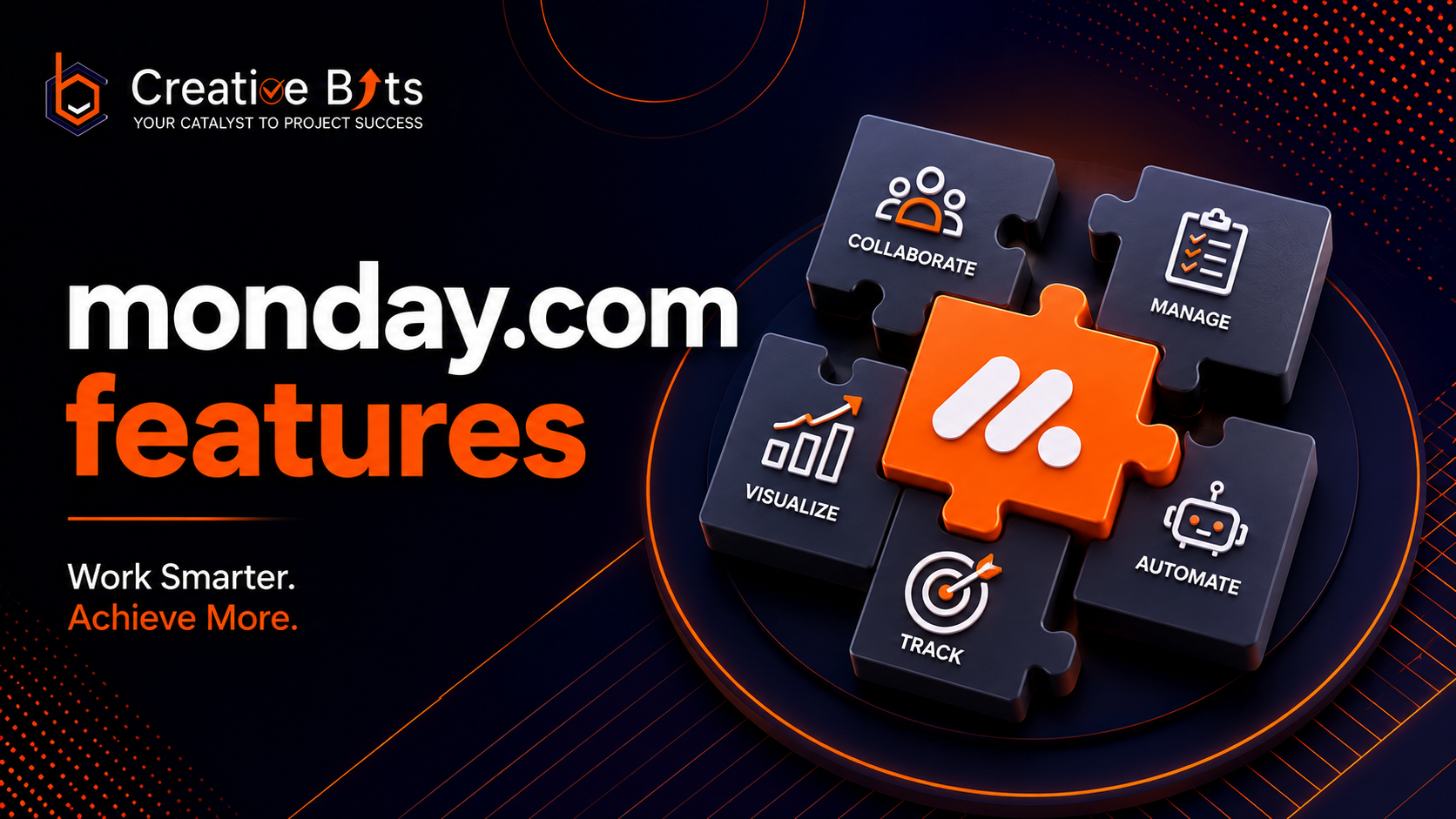
What Are the Key monday.com Features and Benefits?
Introduction
Managing projects, sales pipelines, marketing campaigns, customer relationships, and business operations across multiple tools often leads to fragmented workflows and reduced productivity. Businesses today need a unified work platform that simplifies collaboration while automating repetitive processes. That's exactly where monday.com features stand out.
Whether you're a startup, SMB, or enterprise, the powerful monday.com features help teams centralize work, automate manual tasks, improve visibility, and make faster decisions. From project planning and CRM to AI-powered workflow automation, monday.com has evolved into a complete Work OS designed for modern organizations. Recent updates have expanded AI capabilities, improved automation, and strengthened its suite of products for different business functions.
In this guide, we'll explore the complete Monday.com features list, discuss Monday.com features and benefits, highlight the latest Monday.com new features, explain Monday.com What is it, and show how businesses can maximize ROI with implementation experts like Creative Bits.
Monday.com What is it?
Before diving into the monday.com features, it's important to understand the platform itself.
Monday.com is a cloud-based Work Operating System (Work OS) that enables organizations to build customized workflows for project management, CRM, software development, customer service, operations, HR, and more.
Instead of forcing businesses into rigid software, monday.com allows organizations to create workflows that match how they actually work.
Its ecosystem currently includes multiple specialized products:
- Monday Work Management
- Monday CRM
- Monday Dev
- Monday Service
These Monday.com products share the same platform, making collaboration seamless across departments while keeping data connected.
Users can access everything through the Monday.com website, where they can create an account, manage subscriptions, or use the Monday.com sign in portal to access their workspace securely.
Monday com Features List
One reason businesses choose monday.com is its extensive feature set. Below is the complete Monday.com features list that makes it one of the most flexible work management platforms available.
1. Custom Workspaces
Create unlimited workflows customized for your business.
Examples include:
- Marketing campaigns
- HR onboarding
- Client management
- Project tracking
- Recruitment
- IT requests
- Operations
Every workspace can be tailored using customizable columns, boards, dashboards, and automations.
2. Multiple Project Views
One of the biggest monday.com features is visualization.
Users can switch between:
- Kanban Boards
- Timeline View
- Calendar View
- Gantt Charts
- Workload View
- List View
- Map View
- Chart View
Each team can choose the view that best fits its workflow.
3. Powerful Workflow Automation
Automation eliminates repetitive work.
Examples include:
- Automatic task assignments
- Status updates
- Deadline reminders
- Email notifications
- Approval workflows
- Lead routing
- Recurring task creation
No coding is required thanks to monday.com's visual automation builder.
4. AI-Powered Features
Among the latest Monday.com new features are AI capabilities designed to reduce manual effort.
AI can help users:
- Generate task summaries
- Draft updates
- Categorize information
- Extract insights from data
- Build workflows
- Assist with project planning
These tools allow teams to complete routine work more efficiently.
5. Custom Dashboards
Dashboards combine data from multiple boards into one centralized view.
Businesses can monitor:
- Team performance
- Project progress
- Budget utilization
- Sales pipelines
- Marketing KPIs
- Workload distribution
This gives managers real-time visibility across departments.
6. Collaboration Tools
Communication happens directly inside workflows.
Teams can:
- Mention teammates
- Share files
- Leave updates
- Track conversations
- Collaborate in real time
This reduces dependency on long email threads and disconnected chat conversations.
7. CRM Capabilities
One of the strongest monday.com features is its integrated CRM.
Sales teams can manage:
- Leads
- Contacts
- Deals
- Accounts
- Sales pipelines
- Follow-ups
- Customer communication
Everything remains connected to marketing and operations, creating a single source of truth.
8. Third-Party Integrations
Businesses can connect monday.com with popular tools including:
- Microsoft Teams
- Slack
- Google Workspace
- Outlook
- Zoom
- Shopify
- Gmail
- Zapier
- HubSpot
- JiraThese integrations reduce manual data entry and improve workflow efficiency.
9. Templates Library
Organizations don't need to build everything from scratch.
The platform provides hundreds of ready-made templates for:
- Project Management
- Sales
- Marketing
- HR
- IT
- Operations
- Construction
- Real Estate
- Agencies
Templates significantly reduce implementation time.
10. Enterprise Security
For larger organizations, monday.com includes:
- Single Sign-On (SSO)
- Audit Logs
- Advanced Permissions
- Enterprise Governance
- Admin Controls
- Data Security
This makes it suitable for businesses with strict compliance requirements.
Monday com Features and Benefits
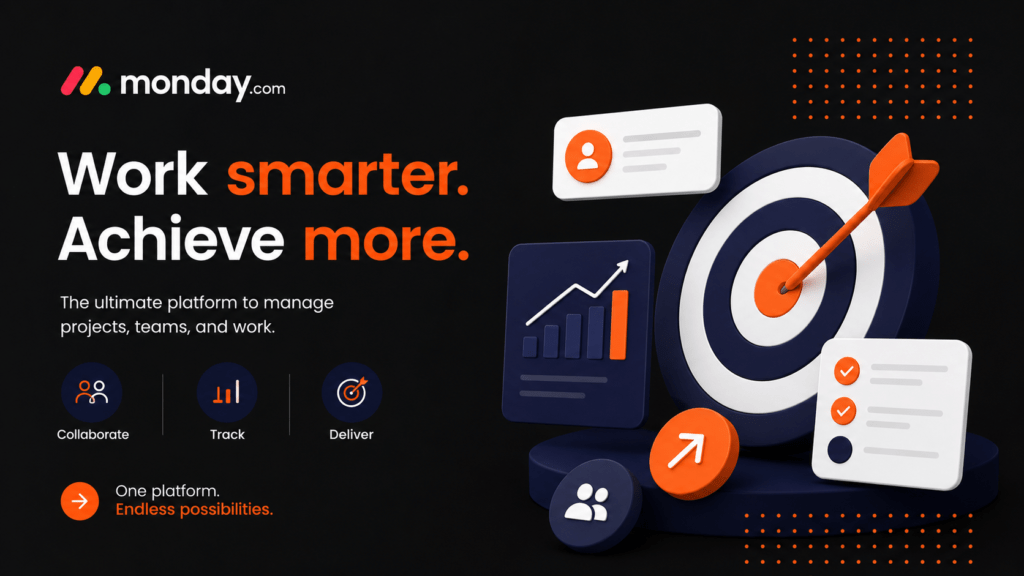
A modern monday.com work management illustration showing workflow automation, project dashboards, team collaboration, workload tracking, integrations, and productivity features.
The real strength of monday.com features lies in the business outcomes they enable.
Some of the biggest Monday.com features and benefits include:
Increased Productivity
Automation reduces repetitive manual work so teams can focus on high-value activities.
Better Collaboration
Everyone works from a shared platform with complete visibility into tasks and project status.
Faster Decision-Making
Real-time dashboards provide managers with actionable insights instead of outdated reports.
Improved Accountability
Task ownership, due dates, notifications, and activity logs ensure responsibilities remain clear.
Scalability
Whether your company has 10 employees or 10,000, workflows can evolve without changing platforms.
Cross-Department Alignment
Marketing, Sales, HR, Finance, Operations, and Customer Success can all collaborate within one connected ecosystem instead of relying on separate tools.
Which Monday.com Feature Is Especially Useful?
Among all the available monday.com features, workflow automation is arguably the most impactful for businesses looking to save time, reduce manual work, and improve operational efficiency.
Instead of relying on employees to remember repetitive tasks, monday.com automates routine processes using simple, no-code automation recipes. This helps organizations standardize operations while minimizing human error.
For example, businesses can automate tasks such as:
- Assigning work when a new project starts
- Sending notifications before deadlines
- Updating project statuses automatically
- Moving tasks between workflow stages
- Triggering approval requests
- Routing sales leads to the right representative
- Creating recurring tasks for ongoing projects
These automation capabilities are particularly valuable for organizations handling multiple departments, clients, or projects simultaneously.
Another standout capability is the platform's customizable dashboards. Executives and managers can monitor project health, team workloads, budgets, timelines, and business KPIs in real time without manually preparing reports.
The introduction of AI-powered capabilities has further strengthened monday.com features, allowing users to generate summaries, organize information, draft updates, and streamline everyday work with greater efficiency. These enhancements help teams reduce repetitive administrative tasks while improving decision-making.
For businesses that require customized implementation, workflow optimization, or enterprise automation, partnering with an experienced monday.com solutions provider ensures the platform is configured to match unique operational requirements instead of relying solely on default templates.
What Are the Functions of Monday?
The primary function of monday.com is to help organizations manage work from a single centralized platform. Instead of juggling spreadsheets, emails, messaging applications, and disconnected software, businesses can coordinate everything within one Work OS.
Some of the major functions include:
Project Management
Organizations can plan, assign, monitor, and complete projects with complete visibility across teams.
Key capabilities include:
- Task management
- Milestone tracking
- Resource allocation
- Timeline planning
- Dependency management
- Budget tracking
Customer Relationship Management
Using monday CRM, businesses can manage their complete customer lifecycle.
Functions include:
- Lead management
- Contact management
- Opportunity tracking
- Pipeline visualization
- Sales forecasting
- Customer communication history
Marketing Management
Marketing teams use monday.com to organize campaigns and improve collaboration.
Typical use cases include:
- Campaign calendars
- Content production
- Social media planning
- Creative approvals
- Performance tracking
- Marketing requests
Operations Management
Operations teams benefit from centralized workflow tracking.
Examples include:
- SOP management
- Procurement workflows
- Vendor tracking
- Inventory coordination
- Internal requests
- Business process monitoring
Human Resources
HR departments can automate numerous processes, including:
- Employee onboarding
- Recruitment pipelines
- Interview scheduling
- Leave management
- Performance reviews
- Training programs
Software Development
Development teams use Monday Dev for:
- Sprint planning
- Bug tracking
- Product roadmaps
- Agile workflows
- Release management
- Backlog prioritization
Customer Service
With Monday Service, support teams can manage:
- Help desk tickets
- Customer requests
- SLA monitoring
- Knowledge management
- Escalation workflows
Because all these functions operate on the same platform, organizations eliminate data silos while improving collaboration across departments.
What Is the Purpose of Monday.Com?
The purpose of monday.com is to give organizations a flexible platform where people, processes, and technology work together seamlessly.
Rather than offering a one-size-fits-all solution, monday.com allows businesses to build workflows tailored to their operational needs.
Its core objectives include:
Centralizing Business Operations
Teams no longer need multiple disconnected applications for project management, CRM, communication, and reporting.
Increasing Team Productivity
Automation minimizes repetitive administrative work, allowing employees to focus on strategic initiatives.
Improving Visibility
Real-time dashboards provide managers with instant insights into project progress, workloads, sales performance, and operational metrics.
Standardizing Workflows
Organizations can create repeatable, documented processes that ensure consistency across teams.
Supporting Business Growth
As companies expand, monday.com scales with them through customizable boards, advanced permissions, enterprise governance, and integrations.
Monday.com New Features Driving Modern Workplaces
The latest Monday.com new features focus heavily on artificial intelligence, automation, enterprise collaboration, and productivity improvements.
Some of the recent innovations include:
AI-Powered Workflows
Artificial intelligence now assists users by:
- Drafting updates
- Generating summaries
- Organizing information
- Creating automation suggestions
- Categorizing work items
- Supporting decision-making
These features reduce manual effort while improving workflow efficiency.
Enhanced Automation Builder
Businesses can now create increasingly sophisticated automation sequences without coding, connecting multiple departments and business processes.
Improved CRM Capabilities
Recent enhancements to monday CRM include better pipeline visualization, lead tracking, customer communication management, and sales forecasting.
Better Enterprise Administration
Enterprise customers benefit from stronger governance tools, security enhancements, and advanced permission controls designed for larger organizations.
Expanded Integrations
The platform continues expanding its integration ecosystem, allowing organizations to connect with hundreds of popular business applications while reducing manual data entry.
Maximizing Monday.com with Creative Bits
While monday.com provides powerful capabilities out of the box, many organizations struggle to configure workflows that truly match their business processes. This is where experienced implementation partners add significant value.
Creative Bits specializes in helping businesses unlock the full potential of monday.com by designing scalable workflows, automating repetitive tasks, and integrating the platform with existing business systems.
Their services include:
- monday.com implementation
- Workflow automation
- Custom dashboard creation
- CRM setup and optimization
- AI-powered business solutions
- PmaaS (Project Management as a Service)
- Business process optimization
- Team onboarding and training
- Third-party integrations
Instead of adopting generic templates, Creative Bits works closely with organizations to develop customized solutions aligned with operational goals and growth strategies.
Beyond monday.com implementation, Creative Bits also offers workflow automation services, AI development solutions, and PMaaS to help businesses streamline operations, improve collaboration, and accelerate digital transformation.
By combining technical expertise with process consulting, they enable organizations to maximize ROI from their monday.com investment while building scalable systems that support long-term growth.
Conclusion
The extensive monday.com features make it far more than a traditional project management platform. It has evolved into a comprehensive Work OS that supports project management, CRM, software development, customer service, operations, and enterprise collaboration from a single unified platform.
From customizable workflows and powerful automation to AI-assisted productivity, dashboards, integrations, and enterprise-grade security, businesses of every size can improve efficiency while maintaining complete visibility into their operations.
Whether you're exploring the Monday.com features list, evaluating Monday.com features and benefits, learning Monday.com What is it, or looking to implement the latest Monday.com new features, choosing the right implementation strategy is just as important as selecting the platform itself.
With expert guidance from Creative Bits, organizations can move beyond basic setup to create intelligent, automated workflows that improve productivity, reduce manual effort, and support sustainable business growth.
2. Which monday.com feature is especially useful?
Workflow automation is one of the most valuable monday.com features because it automates repetitive tasks like notifications, approvals, task assignments, and status updates, saving time and improving productivity.
3. What are the main monday.com features?
The most popular monday.com features include:
- Customizable boards
- Workflow automation
- AI-powered tools
- CRM
- Project management
- Dashboards
- Time tracking
- Multiple project views
- Team collaboration
- Third-party integrations
4. What are the benefits of using monday.com?
Some of the biggest Monday com features and benefits include:
- Improved collaboration
- Higher productivity
- Automated workflows
- Better project visibility
- Real-time reporting
- Custom dashboards
- Scalable business processes
- Enterprise-level security
5. What products does monday.com offer?
The primary Mondaycom products include:
- monday Work Management
- monday CRM
- monday Dev
- monday Service
These products are built on the same Work OS and work together seamlessly.
6. What are the latest Mondaycom new features?
Some recent Mondaycom new features include AI-powered workflow assistance, intelligent automation suggestions, enhanced CRM capabilities, improved dashboards, stronger enterprise security, and expanded third-party integrations.
7. How do I access the Monday.com website?
You can visit the Monday.com website to explore products, pricing, request a demo, create a free account, or learn about available features and integrations.
8. Where can I find the Monday com sign in page?
The Monday com sign in option is available on the official monday.com website. Existing users can securely log in to access their workspace, projects, dashboards, and business data.
9. Is monday.com suitable for small businesses?
Yes. monday.com is ideal for startups, small businesses, mid-sized companies, and enterprises because its flexible pricing and customizable workflows can scale as your business grows.