monday.com Services
Which Project Management Templates Actually Save Your Team Time?
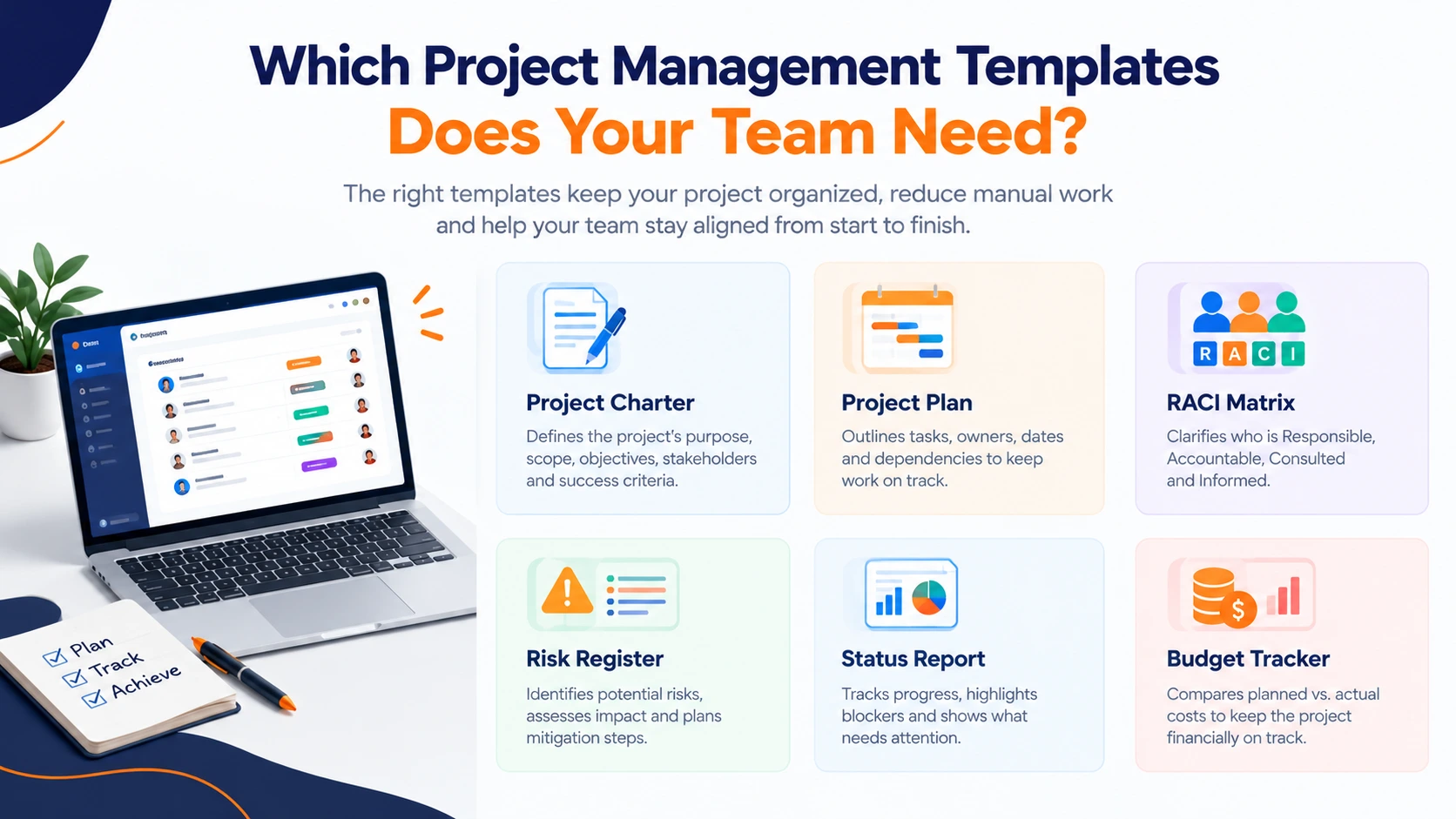
Most teams have a folder of downloaded project management templates. Most of those folders haven't been opened since the week they were created.
The problem usually isn't the template. Nobody decided which ones the team would actually maintain, or where they'd live once the project started moving. A charter in someone's Downloads folder helps no one.
This guide covers which project management templates are worth keeping, which format suits which job, and when a spreadsheet stops being enough.
Google Sheets vs Project Management Platforms
This is the real decision most teams face, and it's worth making deliberately rather than by default.
Google Sheets wins on access. It's free, everyone already has it, and you can restructure a tracker in minutes without asking permission. Project management templates Google Sheets users build tend to be simple, fast, and genuinely useful for a single project with a handful of people.
Where it struggles is everything that happens after week three. There are no automated reminders, so someone chases updates manually. Dependencies between tasks aren't enforced. Status reporting means rebuilding the same summary by hand every Friday. And once three people edit simultaneously, version confusion starts costing more time than the sheet saves.
Project management platforms solve those specific problems. Boards replace tabs, automations handle the chasing, dependencies are enforced rather than remembered, and dashboards pull status from live data instead of someone's Friday afternoon. It integrates with the tools around it, so updates flow in rather than being retyped.
The trade-off is cost and setup. A platform needs configuring to match how your team actually works, and a badly configured board is worse than a good spreadsheet.
A practical rule: one project, under five people, short timeline, use a spreadsheet. Multiple concurrent projects, handoffs between teams, or recurring reporting to stakeholders: the manual overhead of project management templates in a spreadsheet will quietly exceed the cost of a platform.
What Is the Best Template for Project Management?
There isn't one, and anyone selling you a single master file is overselling. The best template is the one that matches your current project phase.
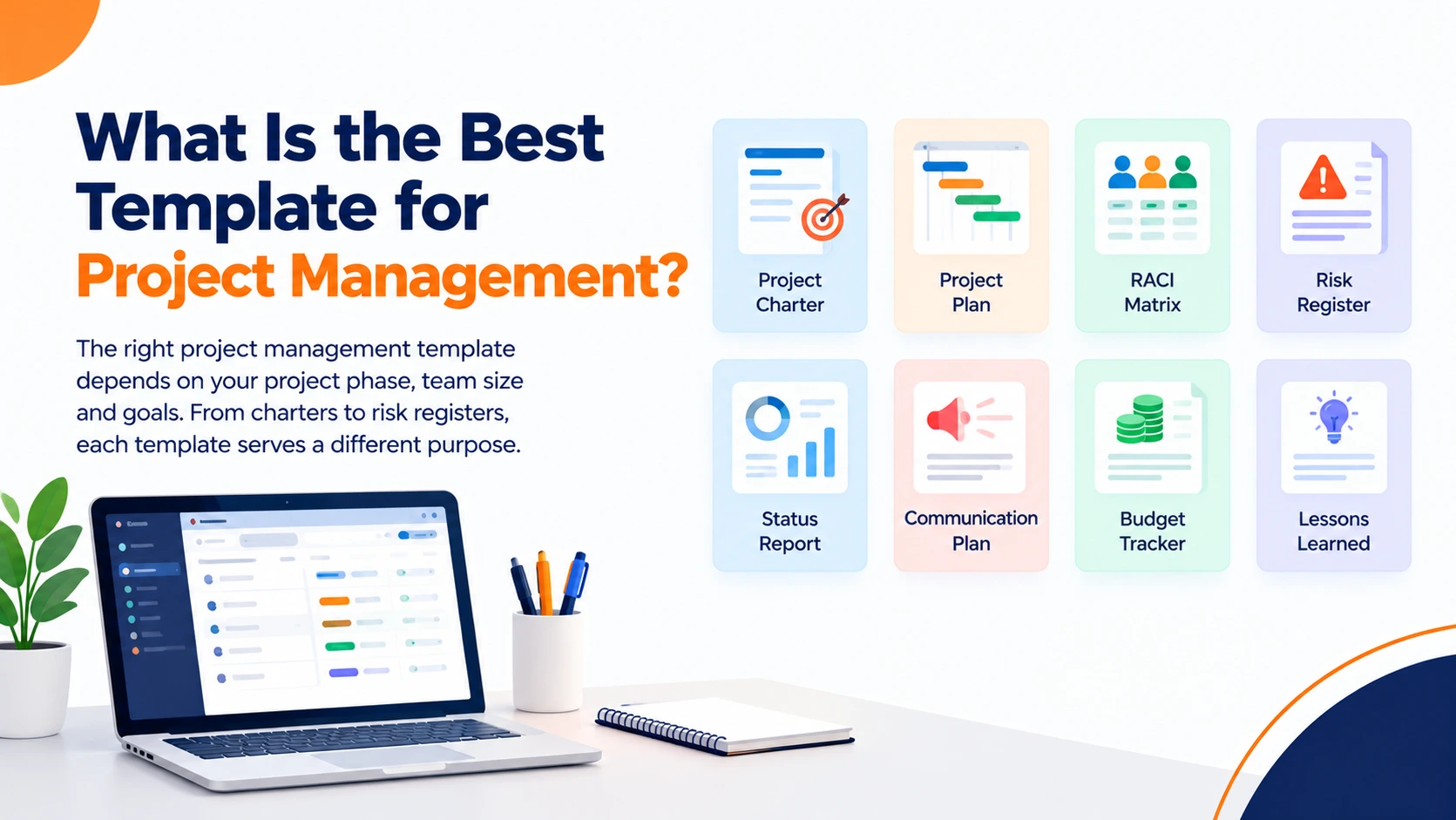
A core set of project management templates covers most work:
- Project charter, scope, objectives, stakeholders, success criteria. One page is usually enough.
- RACI matrix: who's responsible, accountable, consulted, and informed.
- Project plan, tasks, owners, dates, dependencies.
- Risk register: what could go wrong, likelihood, impact, mitigation, owner.
- Status report, progress, blockers, decisions needed.
- Communication plan: who hears what, how often, through which channel.
- Budget tracker, planned versus actual.
- Lessons learned, captured at closure, while people still remember.
Simple project management templates beat elaborate ones almost every time, for an unglamorous reason: they get filled in. A risk register with six columns stays current. One with twenty columns gets abandoned by week two and then actively misleads people, because nobody trusts it but it's still sitting there.
Start with the charter, the plan, and the status report. Add others only when a real gap appears.
What Are the 5 C's of Project Management?
One framework uses five factors to assess before planning anything, although other versions of the list exist.
Complexity. How intricate the work is, the number of stakeholders, breadth of scope, systems involved. This drives how much structure your project management templates need.
Criticality. How much the project matters to business goals, and whether it should take priority over competing work.
Compliance. Which standards, regulations and internal constraints apply. Discovering these mid-project is expensive.
Culture. How your organization's working style shapes communication, reporting and approval. A template that fights the culture doesn't get used.
Compassion. Keeping the team motivated, understanding what drives people, accounting for life events, acknowledging good work.
The practical use of the five Cs is as a filter before you pick tooling. High complexity and high compliance mean you need a documented risk register and a change log. Low on both, and a simple task list with owners and dates will serve you better than a full project management office in miniature.
Does Word Have a Project Management Template?
Yes. Word includes templates in its built-in gallery, with more available through Microsoft Create, and free project management templates Word users can download are widely available elsewhere.
Word is the right format for anything narrative, documents people read rather than calculate with:
- Project charters and scope statements
- Status reports with written commentary
- Communication plans
- Meeting agendas and minutes
- Lessons learned write-ups
Where Word falls short is tracking. It isn't designed for spreadsheet-style calculations, filtering, or conditional formatting. A task list in Word is a list you'll maintain by hand forever.
Two related formats worth knowing. Project management templates PDF are best used for finished, approved documents, a signed-off charter or a budget approval that shouldn't be edited after the fact. And Project Management templates PPT earn their place for kick-off decks and steering committee updates, where you're presenting a decision rather than tracking work.
Are There Project Management Templates in Excel?
Plenty, and for good reason. Project management templates in Excel handle the calculation-heavy parts of a project well:
- Gantt charts for scheduling and visualising timelines
- Budget trackers with planned versus actual and variance
- Risk registers with scoring and conditional formatting
- Resource allocation sheets showing who's committed to what
- Task trackers with filtering by owner, status or date
Free project management templates Excel users can download cover all of these, and Microsoft includes several in the built-in gallery. Project management templates free of charge are genuinely good enough to run a first project; there's no need to buy anything to get started.
The limitations are the same as any spreadsheet: no automated reminders, no enforced dependencies, no audit trail, and version control that depends entirely on people being careful. For a single project with a clear owner, that's fine. Across a portfolio, it stops scaling.
When Templates Stop Being Enough
There's a recognisable moment when project management templates outgrow their format. Someone spends half a day each week consolidating status. Two versions of the plan disagree. A deadline slips because the dependency existed only in someone's head.
That's the point of moving from documents to a connected system: carry the structure you've already built across, rather than starting again. The work you put into project management templates isn't wasted. It becomes the blueprint for how the platform gets configured.
2. What is the best template for project management?
The one matching your current phase. Charters for initiation, plans and RACI for execution, status reports for monitoring, lessons learned for closure. No single file covers all four well.
3. Are there good project management templates free of charge?
Yes. Microsoft, Google and several professional bodies publish free sets covering charters, plans, risk registers and budgets. Free versions are often sufficient for a straightforward first project.
4. Are there project management templates in Excel?
Yes: Gantt charts, budget trackers, risk registers, resource allocation and task trackers. Excel handles anything that requires calculation, filtering, or conditional formatting.
5. Does Word have a project management template?
Yes, in the built-in template gallery and through Microsoft Create. Word suits narrative documents: charters, status commentary, communication plans and meeting notes.
6. When should I use project management templates PDF instead of editable files?
For finished, approved documents that shouldn't change, signed-off charters, approved budgets, and anything shared externally as a record.
7. What are Project Management templates PPT best used for?
Kick-off presentations, steering committee updates and stakeholder briefings; moments where you present a decision rather than track ongoing work.
8. Should I use Google Sheets or a project management platform?
Sheets for one project with a small team and a short timeline. A platform once you have concurrent projects, cross-team handoffs, or recurring reporting that someone currently assembles by hand.
9. What are the 5 C's of project management?
Complexity, criticality, compliance, culture and compassion: five factors to assess before planning. Other versions of the list exist, so confirm which one a given framework means.