monday.com Services
Which Automation Business Ideas Actually Pay Off for a Small Team?
The first automation most owners build is a social media scheduler. The one they should build is lead response.
That gap explains why the automation business case so often disappoints small teams. The tools are cheap and capable. The problem is choosing what to automate first, and most people choose the thing that's easiest to set up rather than the thing that's costing them money every week.
This is a practical guide to building an automation business case that holds up, identifying which workflows pay back, which tools suit which team, and how to avoid the one automation business mistake that costs the most: automating a broken process.
How Small Businesses Can Use Zapier and n8n to Automate Startup Workflows
Two platforms cover most automation needs for a small team, and they suit different situations.
Zapier connects to over 5,000 apps, which is its real advantage. Whatever obscure tool you use, there's probably a connector. It starts free, then runs from around $20 a month, with limits on how many tasks you run. Nothing to host, nothing to maintain; you build in the browser, and it works.
n8n takes a different approach. It's free forever if you self-host it on a cheap server, with a paid cloud option if you'd rather not. It has 300-plus built-in nodes plus community contributions, supports custom JavaScript for anything unusual, and keeps your data on infrastructure you control. The trade-off is a steeper learning curve and a server to maintain.
The pattern that works for most startups: prove the automation business idea on Zapier's free tier, where setup takes minutes, and you find out quickly whether it is actually useful. Once a workflow runs at high volume and task costs start to bite, move that one to n8n. You keep the easy connectors for low-volume work and shift the expensive flows to the platform with predictable costs.
Make sits between the two, more visual than n8n, more flexible on complex logic than Zapier. Plenty of teams run all three.
What Are Some Good Automations for Small Businesses?
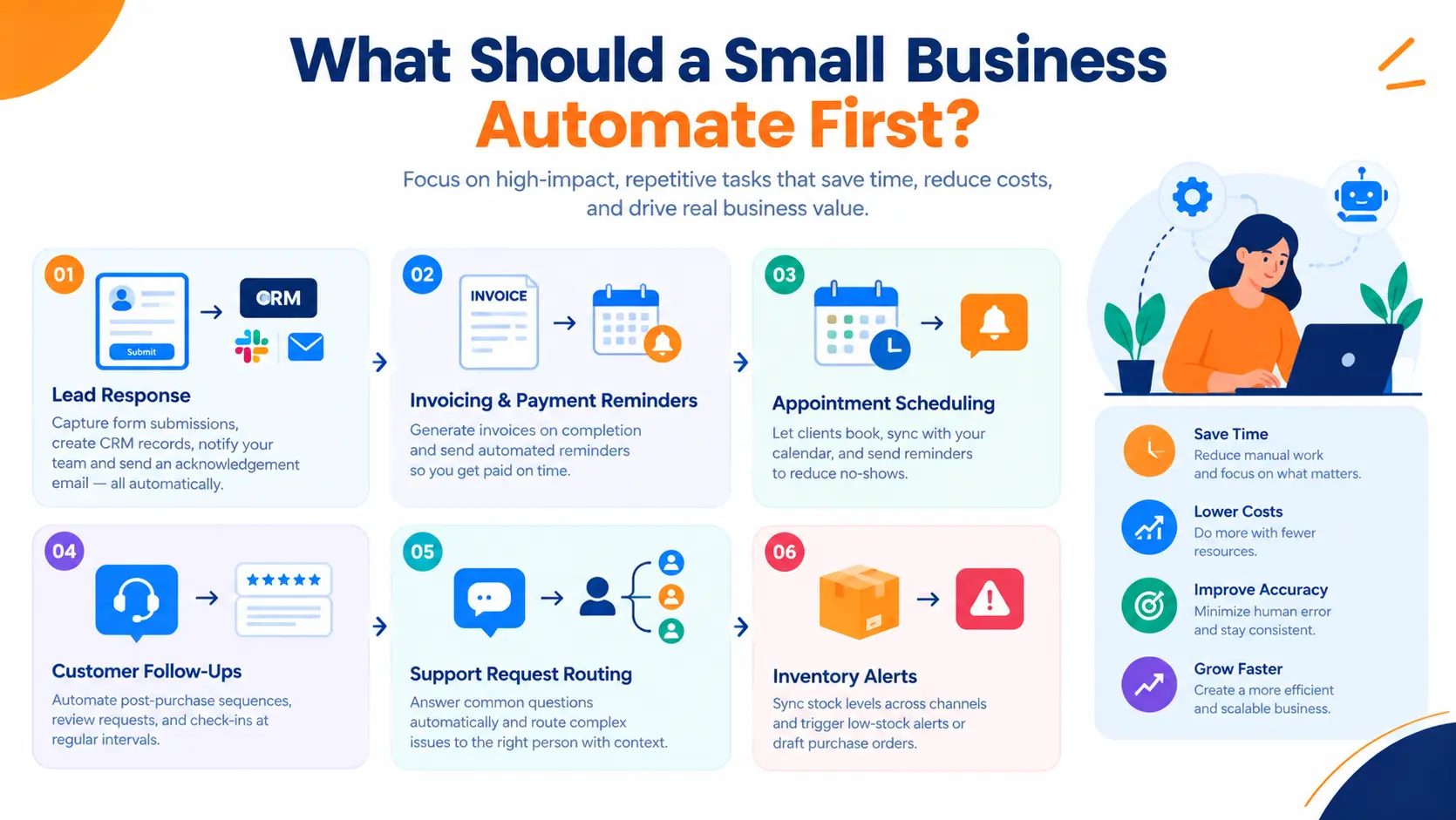
Ranked by automation business payback rather than by how impressive they look in a demo.
Lead response. A form submission that creates a CRM record, alerts the right person, and sends an acknowledgement within sixty seconds. Response speed drives conversion more than almost anything else, and it is the automation business owners most often skip.
Invoicing and payment chasing. Invoice generated on project completion, reminders sent on a schedule with escalating tone, owner flagged when something passes thirty days.
Appointment scheduling. Booking links that write to your calendar, send reminders, and reduce no-shows without anyone sending a confirmation email by hand.
Customer follow-ups. Post-purchase sequences, review requests, check-ins at fixed intervals after delivery.
Support replies. Answer common questions automatically; route everything else to a person with the context attached.
Social posting and email campaigns. Useful, genuinely time-saving, and the automation business owners build first when they shouldn't.
Inventory updates. Stock levels synced across channels, low-stock alerts triggering a draft purchase order.
If you're collecting startup business automation ideas for small businesses, work down that list in order. The top three usually deliver more automation business value in a month than the bottom three deliver in a year.
What Are Some Examples of Automation Ideas for Businesses?
Individual triggers are easy. The automation business results come from chains that run end-to-end without anyone touching them.
New enquiry. Form submitted → record created in CRM → Slack alert to the duty owner → acknowledgement email sent → follow-up sequence scheduled → task created if no reply in 48 hours.
Client onboarding. Deal marked won → project board created from template → tasks assigned with dates → welcome email sent → kickoff call booked.
Overdue invoice. Payment date passes → reminder sent → second reminder at 14 days with firmer wording → owner notified at 30 days with full payment history attached.
Weekly reporting. Data pulled from source systems → dashboard refreshed → summary written and emailed before Monday morning, replacing someone's Friday afternoon.
Free business automation ideas for small businesses are easy to find, and most of these can be built on free tiers. What's harder to find is the discipline to finish one automation business project properly before starting the next.
What Are Some Cool Automations?
The ones that make people lean forward in meetings:
- Call transcription to CRM. Sales call recorded, transcribed, summarized, and action items written into the deal record automatically.
- Receipt photo to expense entry. Snap a receipt; AI extracts vendor, amount, and date; entry created in your accounting system.
- Review alerts with drafted responses. New review posted → team alerted → a reply drafted in your brand voice, ready to approve.
- AI spam filtering on web forms. Junk enquiries filtered before they reach a human, with borderline cases flagged rather than deleted.
- Stock threshold to draft purchase order. Inventory drops below a set level → PO drafted → vendor email queued for one-click approval.
A caution worth stating plainly: cool and valuable aren't the same thing. Score every automation business idea by hours saved per week before you build it. Plenty of impressive automations save eleven minutes a month.
What Are the Top 5 Automation Tools?
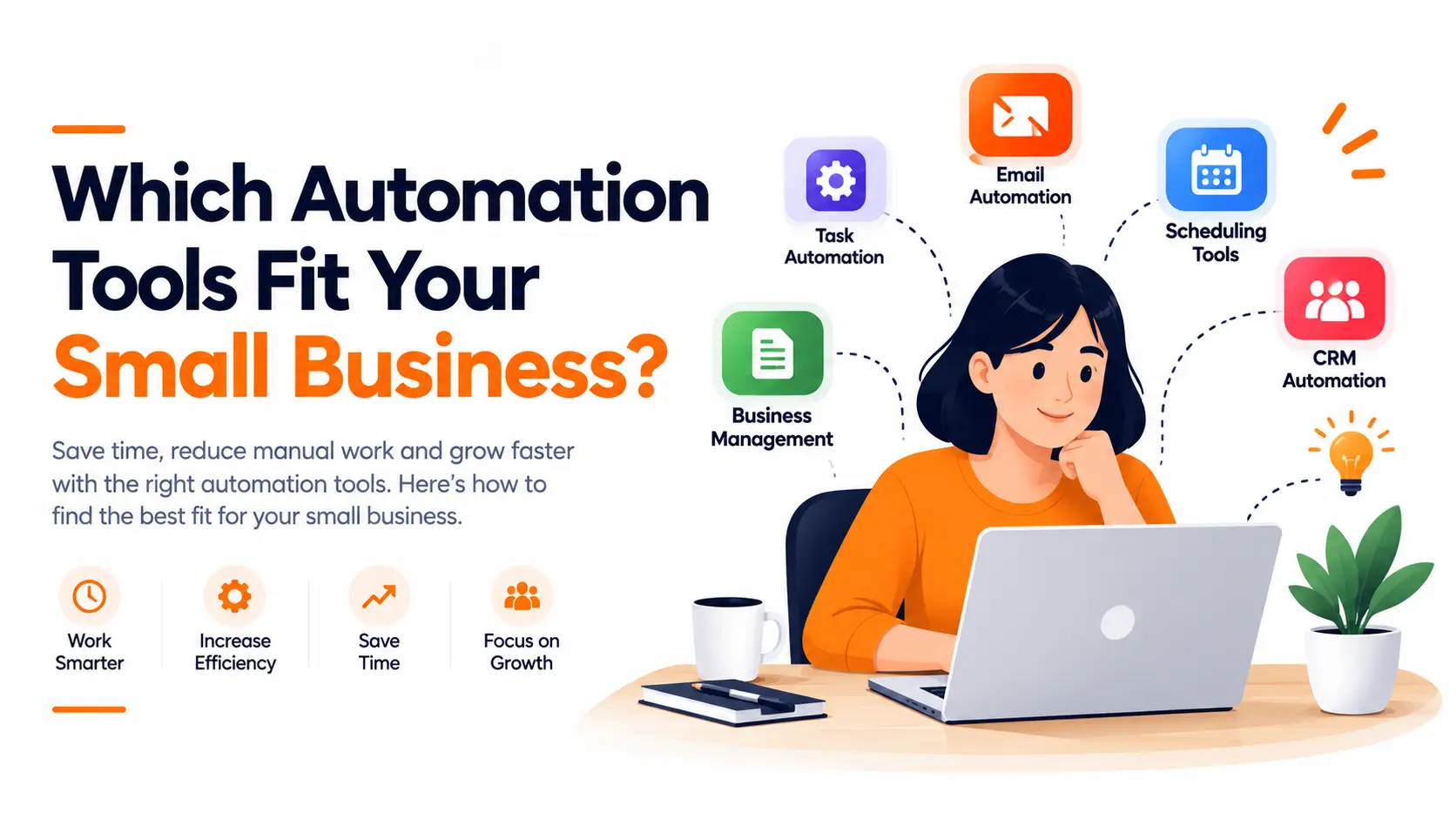
- Zapier. Widest connector library, easiest start, best for non-technical teams. Costs scale with task volume.
- n8n. Self-hostable and free at the infrastructure level, developer-friendly, best when volume is high or data must stay in-house.
- Make—strong visual builder for multi-step logic with branching, a middle ground on both cost and complexity.
- monday.com. A work platform rather than a pure connector, with automations built into the boards your team already uses daily.
- Native app automations. Your CRM, accounting software, and helpdesk all have built-in rules. Free, already paid for, and consistently underused.
Most of these business automation tools have workable free tiers. For a small team, the right small business automation tools stack for your automation business goals is usually one connector platform plus whatever your core apps already do natively.
Where to Start
Every automation business plan should start the same way: pick the one process costing you the most hours, map it on paper first, then automate exactly that. Automating broken automation business processes just makes the mess arrive faster.
If you'd rather not learn the tooling yourself, a business automation course covers the basics in a weekend, and a small business automation consultant can usually map and build your first three automation business workflows in less time than it takes to learn the platform. Business automation services make the most sense once your automation business footprint touches systems that matter: billing, customer data, anything with a compliance obligation attached.