monday.com Services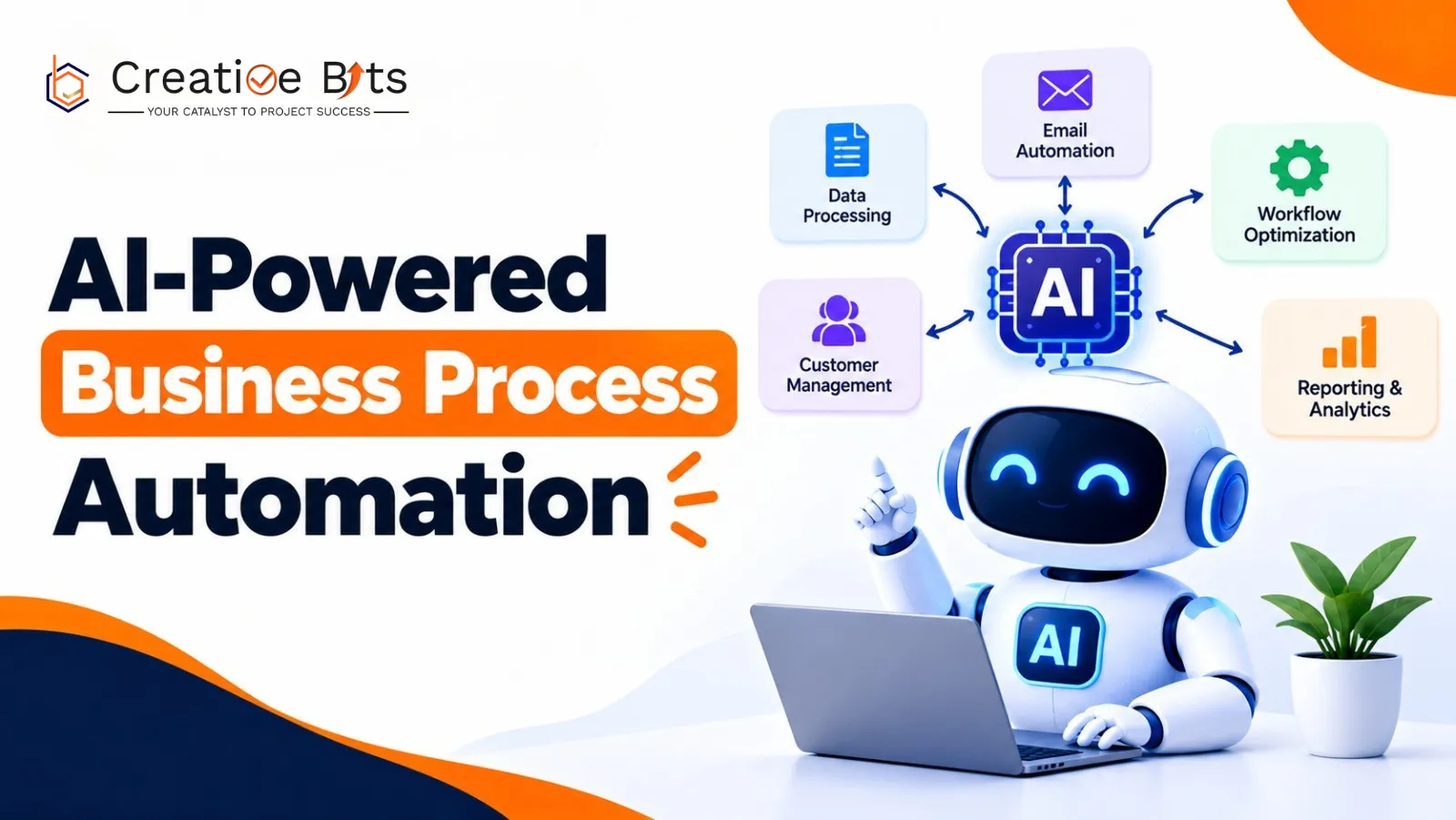
How Do You Automate Business Processes Without Breaking What Works?
Automation has an uncomfortable habit of exposing things.
Point software at a process three people have quietly patched by hand for two years, and you don't get efficiency; you get every undocumented exception surfacing at once. That's not an argument against automation. It's the reason the order matters: understand the process, then automate business processes that genuinely hold up to scrutiny.
This guide covers how to automate business processes properly: what AI-powered automation actually delivers, where it works, where it doesn't, and the sequence that keeps a project from going sideways.
What Are the Benefits of AI Automation?
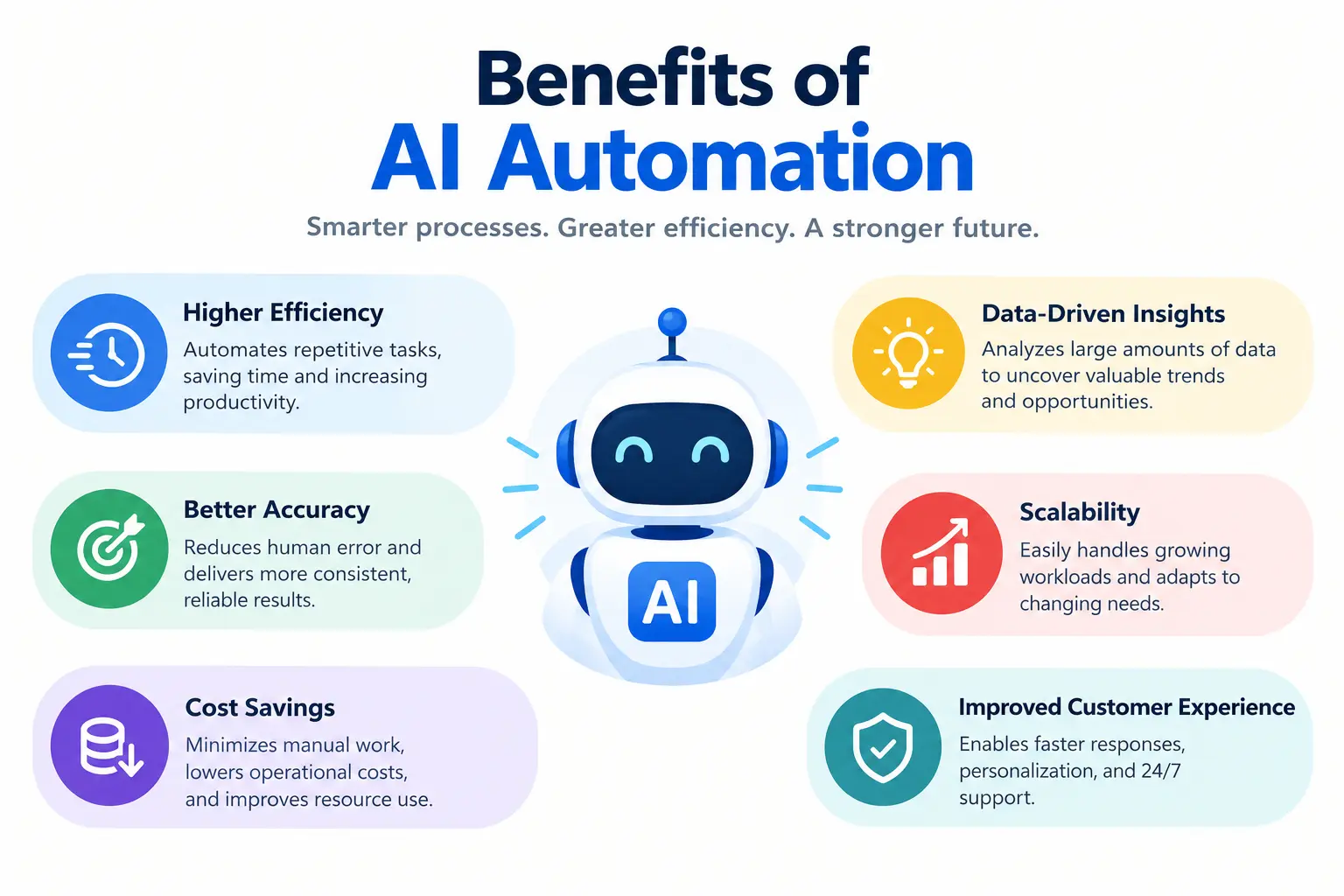
The returns are well documented for companies that automate business processes at scale, and some of the published numbers are striking. Unilever reportedly saved 70,000 hours through automated candidate screening. Broadcom resolved 88% of IT issues in under a minute. Uber saved an estimated $287,000 in employee hours on expense management. Walmart cut 30 million miles from its supply chain routes.
The benefits cluster into four groups:
Coordination across departments. Automate business processes that span teams and work moves between HR, IT, and finance systems without someone carrying it across by hand.
Faster resolution. Requests get analysed and completed rather than queued.
Consistency at scale. Automate business processes with approvals in them, and policies get applied the same way every time: access validated, approvals routed, actions documented.
Better decisions. Patterns in your own data surface without someone building a report to find them.
An honest look at the advantages and disadvantages of AI in business has to include the other side. The disadvantages of AI in business are real and worth planning around: bias in training data producing unfair outputs, privacy exposure when systems touch sensitive records, workforce disruption in roles built on repetitive tasks, "black box" decisions nobody can explain to a regulator, and new security surfaces including adversarial attacks.
None of these are reasons to avoid automation. They're reasons to automate business processes with governance attached from the start. If you're hunting for a benefits of artificial intelligence in business PDF to take into a board meeting, make sure whatever you download covers the risks too; a one-sided business case tends to fall apart under the first hard question.
What Are Some Common Use Cases for AI Automation?
Organised by function, because that's usually how budgets and bottlenecks are organised, and how most teams decide which business processes to automate first.
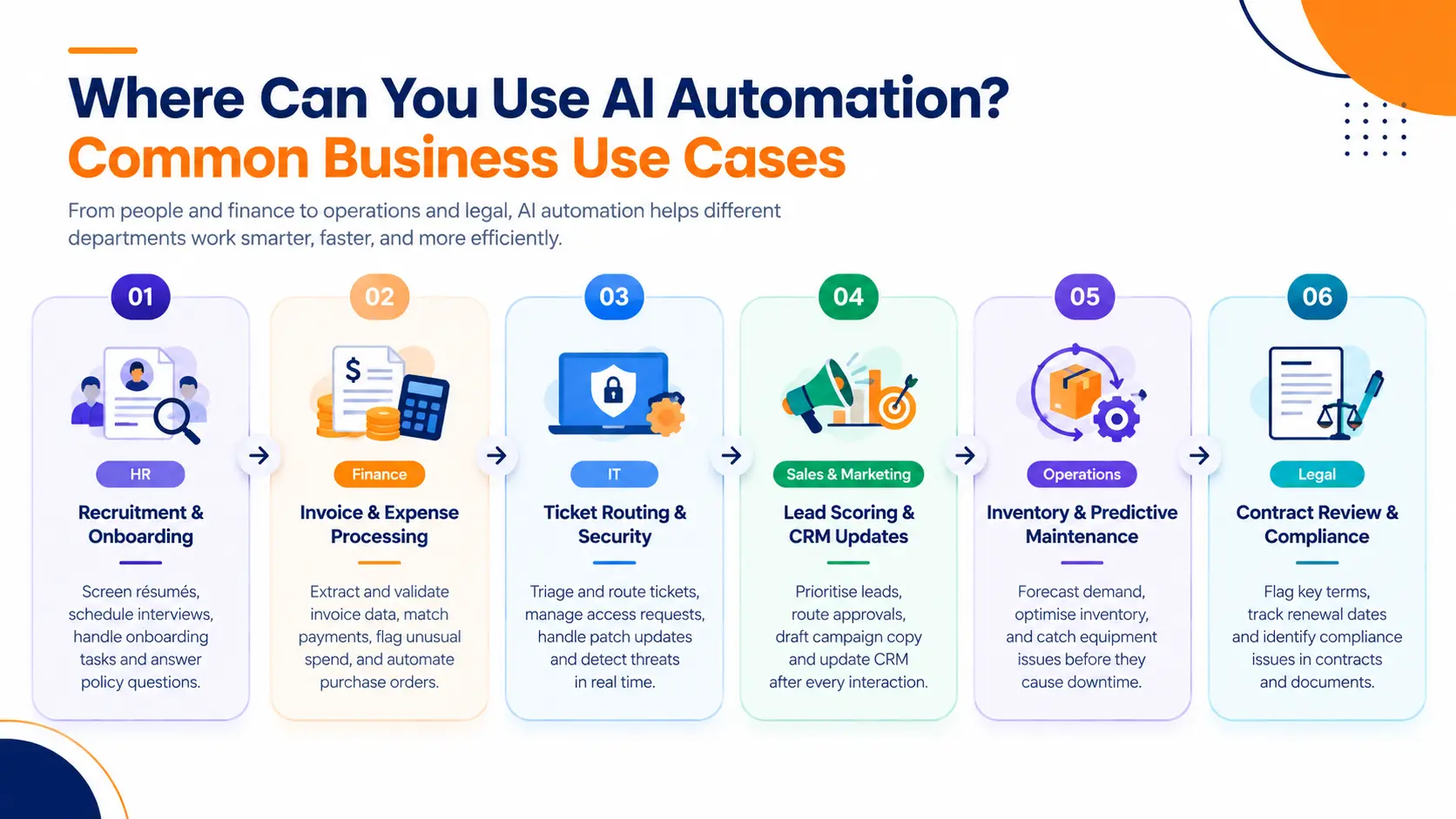
- Résumé screening, interview scheduling, onboarding task chains, and answering policy questions employees would otherwise email someone about.
Finance. Invoice data extraction and validation, three-way matching, purchase order entry, expense claim checks, and anomaly detection that flags unusual spend before it's paid.
- Ticket triage and routing, password and access requests, patch management, and real-time threat detection.
Sales and marketing. Lead scoring, quote and discount approval routing, campaign copy drafting, and CRM record updates after every interaction.
Operations and supply chain. Demand forecasting, inventory optimisation, and predictive maintenance that catches equipment failures before they stop a line.
Legal. Contract review flagging key terms, renewal dates, and compliance issues- one of the easiest places to automate business processes that currently eat senior time.
The common thread: these are high-volume processes where a person currently reads something and decides what happens next. That's the pattern to look for when you set out to automate business processes with AI.
What Is AI-Powered Business Automation?
Traditional automation follows fixed rules. If X, then Y. It handles predictable, repetitive work beautifully and falls over the moment something unexpected arrives: a malformed invoice, an unusual request, a case the rules didn't anticipate.
AI-powered automation adds interpretation. The system analyses patterns, understands context, and adjusts in real time rather than failing to a queue, which is why it can automate business processes that defeated rule-based tools.
Three terms worth separating:
- RPA handles single repetitive tasks, clicking, copying, data entry.
- Business process automation manages multi-step workflows across systems.
- Intelligent automation combines AI with RPA so the workflow learns from data instead of only following rules.
So what is the primary difference between AI assistants and AI agents in the workplace? An assistant responds when you ask in natural language; it answers or triggers a workflow. An agent acts autonomously toward a goal, chaining together multiple tasks, tools and decisions without someone approving each step. Assistants wait to be asked. Agents get on with it.
So how does work change with generative and agentic AI? Generative tools shift people from producing first drafts to editing them. Agentic systems shift people further still, from doing the work to directing and auditing it. Roles don't vanish; the centre of gravity moves toward review, exception handling, and judgment.
Which factors should be considered when choosing an AI model to automate business processes at this level? Accuracy against your actual data rather than a public benchmark, cost per task at your expected volume, response latency, where your data is processed and stored, whether outputs can be explained to an auditor, and how hard it would be to swap the model later. That last one matters more than most teams realise.
What Are Some Common AI Use Cases in Business?
Named artificial intelligence in business examples make the categories concrete:
- Pfizer uses AI to accelerate drug discovery.
- Barclays runs real-time fraud detection across transactions.
- The U.S. Postal Service uses optical character recognition to route mail.
- General Electric applies predictive maintenance to sensor data from equipment.
- DHL optimises routing, warehousing and delivery.
- Duolingo powers conversation practice for language learners.
These are enterprise-scale deployments, but the patterns scale down. Document extraction, anomaly detection, routing optimisation and conversational support all work at small-business volumes using off-the-shelf platforms. You don't need Pfizer's budget to automate business processes built on the same principles.
How to Automate Business Processes, Step by Step
Six steps, in order. This is how to automate business processes without the usual failures, and skipping any step is where projects go wrong.
- Identify the bottleneck. Automate business processes that cost the most, so target the task consuming the most time or causing the costliest errors, typically scheduling, data entry, invoicing, or approvals.
- Map it on paper first—every step, every exception, every handoff. If the process doesn't make sense manually, automating it just makes the mess arrive faster.
- Choose the right tool. Simple rules where rules suffice. AI only where the task requires interpreting information or adapting to new situations. Most teams reach for AI too early when they automate business processes.
- Run a focused pilot. Clear boundaries, measurable results, one process rather than a programme.
- Keep human oversight where it counts. Financial transactions, confidential customer data, and major decisions need review before anything irreversible happens.
- Measure against a baseline, then scale. Record time, error rates, response times and costs before you automate business processes. Compare after. Scale only if the improvement is real.
Become a Builder, Not Just a Buyer
Here's the reason becoming an AI value creator is important for long-term business success: anyone can buy the same subscriptions you can. What competitors can't copy is AI built around your specific processes, trained on your data, and wired into systems only you run.
Consumers of AI tools get the same capability as everyone else. Teams that automate business processes around their own operations build something durable. The difference usually starts with one well-chosen workflow.