monday.com Services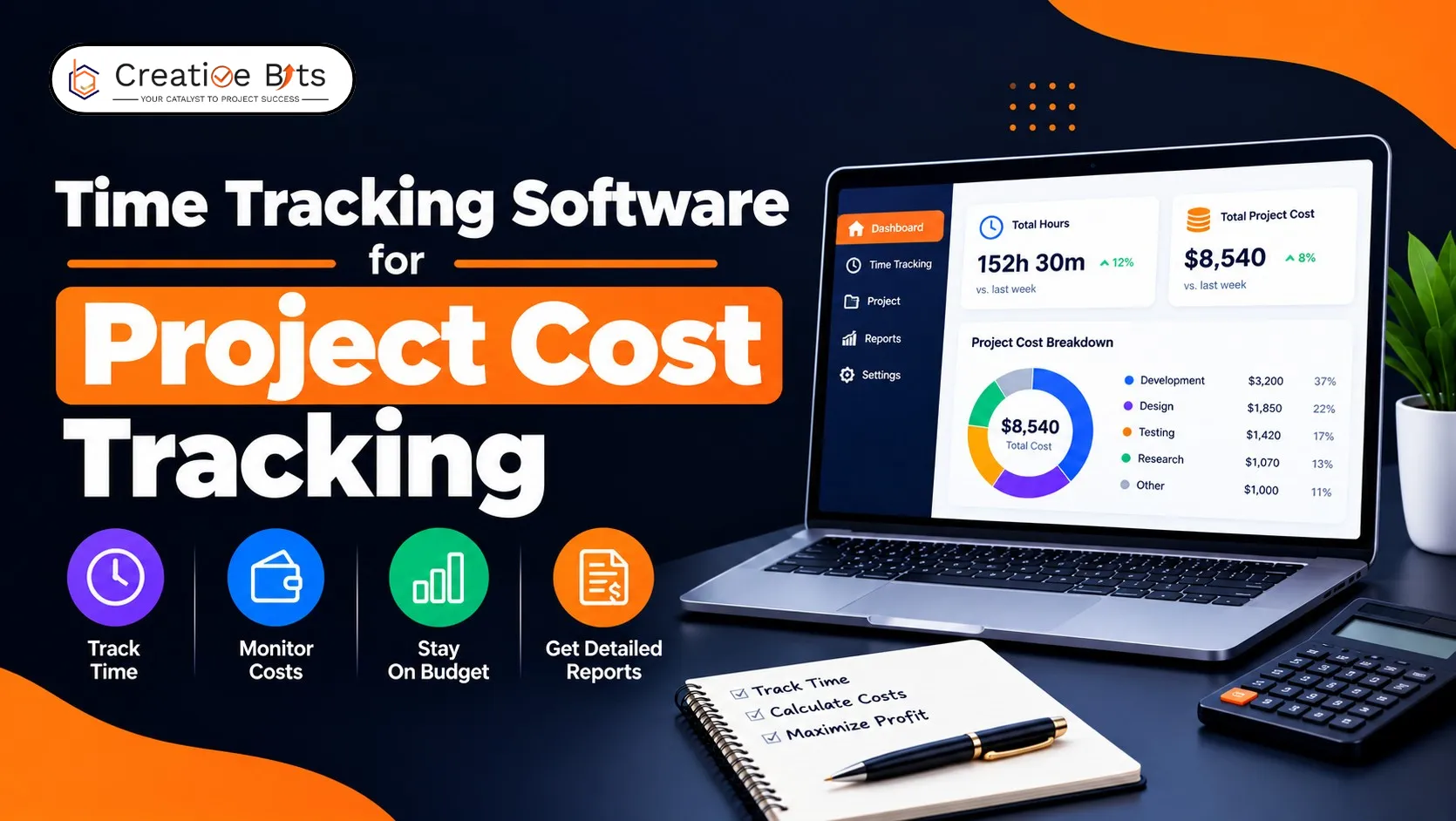
How Does Project Cost Tracking Software Protect Your Project Margin?
Most projects don't fail at the end. They fail in week three, quietly, and nobody notices until the invoice.
That gap between spending and knowing is the entire case for project cost tracking. One survey found 46% of UK desk workers use no timesheet software at all, which means a very large number of teams are running projects on the assumption that effort and budget are roughly aligned. They usually aren't, and by the time the overrun is visible, the margin is already gone.
Here's how to close that gap with project cost tracking software: what the tools do, how to track costs properly, and what it costs to find out.
How to Use Time Tracking Software to Monitor Project Costs, Compare Free Tools, and Track Employee Hours
Three jobs, one system, and the sequence matters.
Monitoring project costs. Project cost tracking works by attaching a rate to logged time. Set hour estimates and hourly or fixed rates per task and project at kickoff, and cost builds automatically as people log work. Add expenses, software, contractors, travel, and you have margin visible before the project closes rather than after.
Comparing free tools. Free tiers vary more than any other part of the market. Some offer unlimited users with no card required; others cap seats or projects tightly. The reliable pattern: basic logging and reporting are usually free, while project cost tracking features, cost rates, budget alerts, and profitability reporting tend to sit behind a paid tier. Test exactly that before committing.
Tracking employee hours. Per-task timers beat a single background timer because hours attach to the specific work rather than to the day in general. That's what makes project cost tracking accurate rather than approximate.
The practical setup: define budgets and rates at kickoff, log time against individual tasks, then review burn weekly. Progress and cost then update from the same data, so nobody assembles a report by hand.
What Is the Best Software to Track Time Spent on Projects?
Published evaluations score tools across six areas, which makes a reasonable shortlist checklist.
Project and task time capture. Timers attached to specific tasks, manual entry, notes on entries, and the ability to correct bad logs without an administrator.
Timesheet management. Weekly submission, clock in and out, manager approval.
Billable hours and rate configuration. Rates by user, role, project or client, and separately, cost rates. The distinction matters enormously for project cost tracking, and the next section covers why.
Budget and utilisation tracking. Hours linked to budgets with burn rate, overage flags, and per-person utilisation.
Reporting and analytics. Estimates versus actuals, profitability, planned versus tracked time.
Project management integrations. Whether it connects to where work actually lives.
One published rubric requires at least 65% across those six before a tool qualifies at all. Differentiators that follow: capacity planning, automatic tracking, native invoicing, and compliance features for regulated industries.
A structural note worth weighing. A standalone tracker is a second system people have to remember, and forgotten logging is the main failure mode in project cost tracking. If your team already plans and runs work in monday.com project management software, time logged inside those boards gets logged, because nobody has to go anywhere else to do it.
What Is the Best App for Tracking Project Costs?
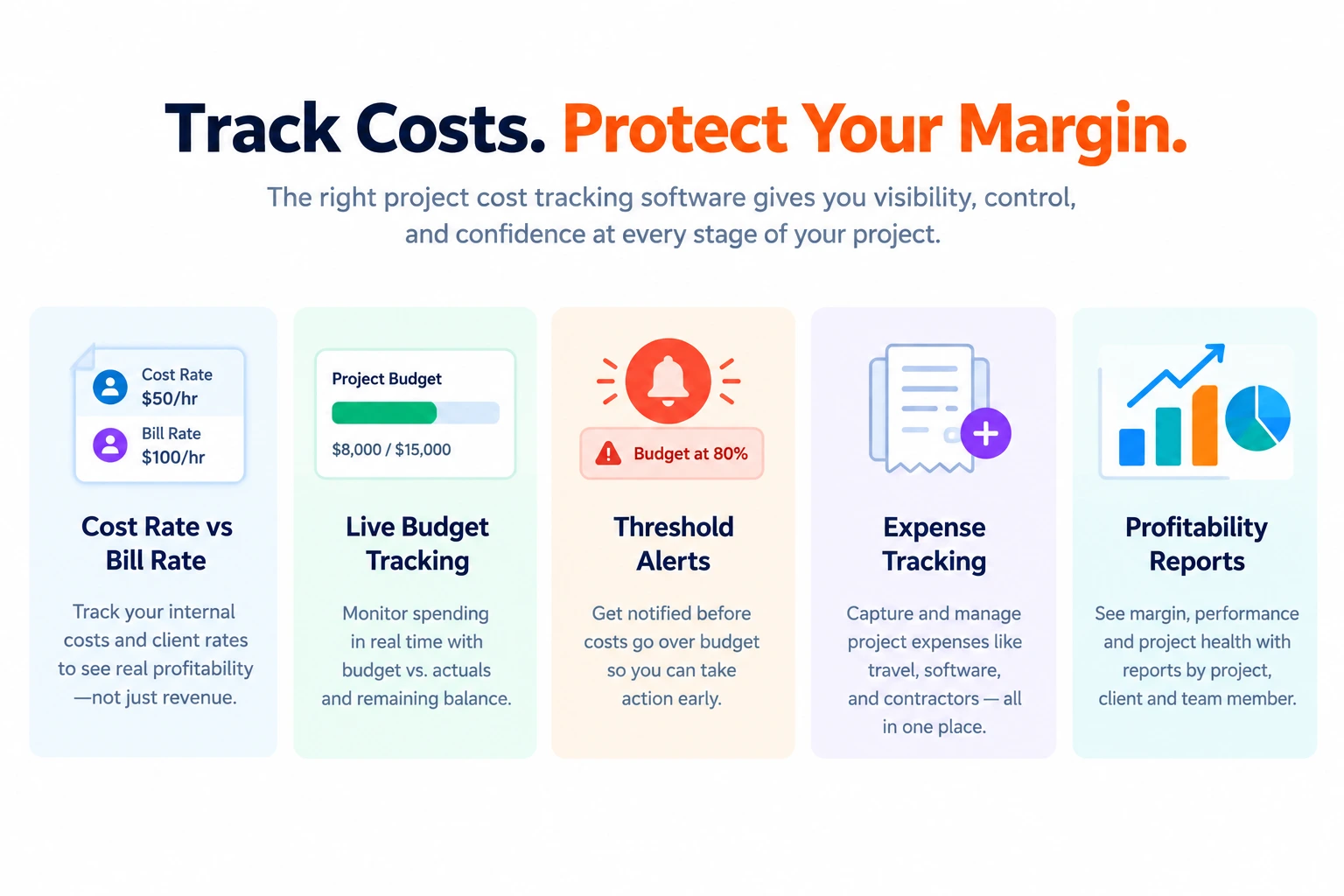
Time tracking and project cost tracking are not the same capability, and plenty of tools do the first well and the second barely at all. Four features separate real project cost tracking software from a timesheet.
Cost rates distinct from bill rates. Your internal cost per hour and your client rate are different numbers. Margin is the gap. A tool that only stores billable rates can show revenue but not profitability.
Budgets that update live. A project budget shown as spent versus remaining, recalculating as hours land. Published examples look like a $15,000 monthly budget with $10,000 consumed, visible at a glance, not after a month-end export.
Threshold alerts. Notification when a budget is at risk, not when it's breached. This is the single most valuable feature in project cost tracking, because it's the only one that lets you act while action is still possible.
Expense capture alongside time. Labour is rarely the whole cost.
Margin and profitability reporting by project, client, and person, available before the project closes.
Labour cost in near real time, not reconstructed quarterly.
If a tool can't show you cost rates and live budget burn, it's a timesheet rather than project cost tracking software, useful, but not for protecting margin.
How Can I Track Project Costs?
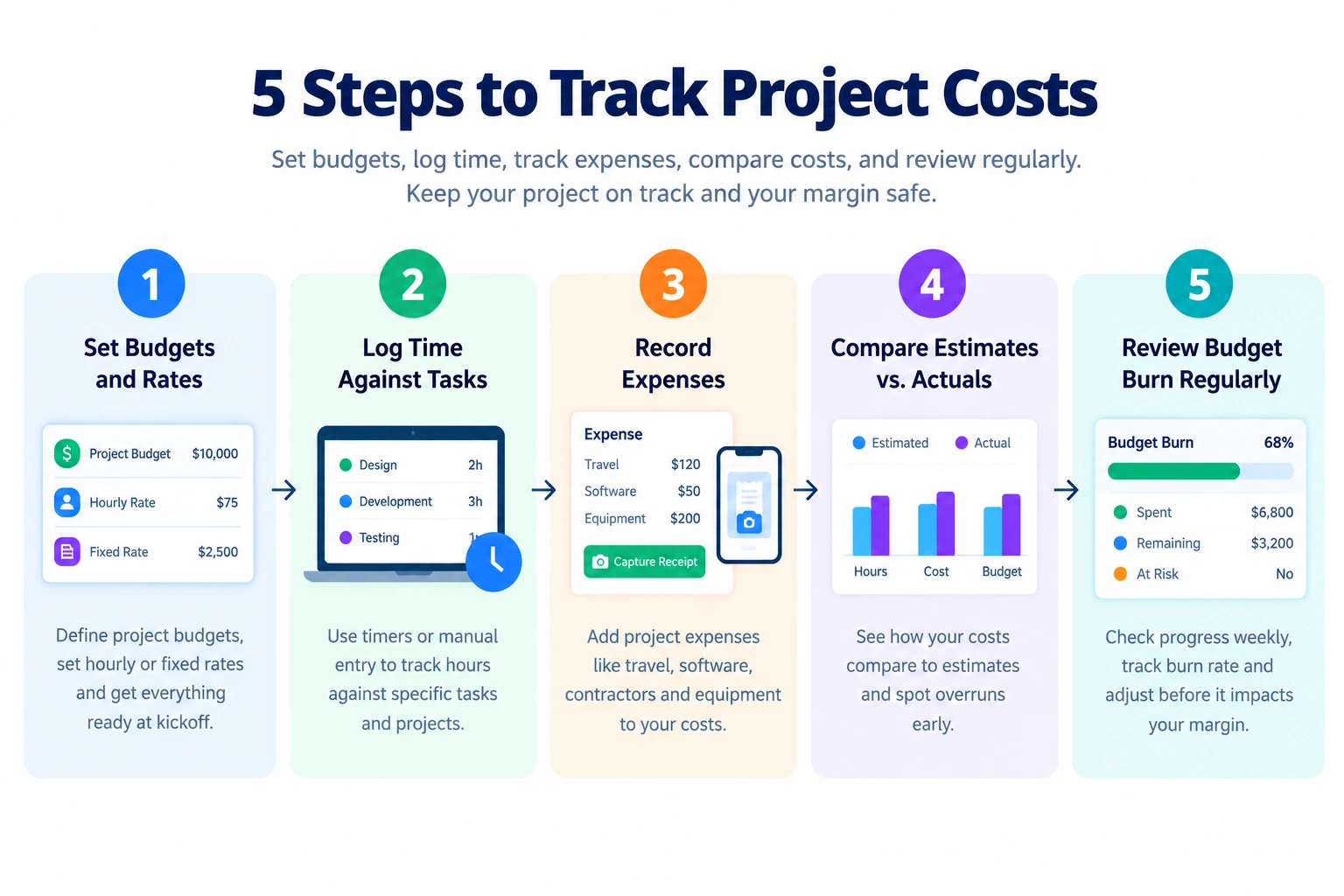
Five steps, and none are really about the software itself.
- Decide why you're tracking—better forecasts, billable-hour capture, preventing burnout, protecting margin. Project cost tracking without a stated purpose becomes an admin ritual people resent.
- Get team buy-in. Explain the benefit: fairer workloads, more realistic deadlines, deadlines that hold. Published guidance is emphatic on this: tracking introduced without explanation feels like surveillance, and surveillance gets gamed.
- Set estimates and rates at kickoff. Hour estimates per task, cost rates per person or role, bill rates per project or client. Doing this after work starts means reconstructing it from memory.
- Log against tasks, not days. Hours assigned to the specific piece of work, billable and non-billable both, because non-billable hours are still costs.
- Review on a cadence. Weekly or monthly. Check burn rate per project, compare planned against actual, and make mid-project adjustments. Published practice is consistent: the comparison between estimated and reported hours is the earliest overrun warning you get.
Allow a few weeks of onboarding, and track your own hours visibly while people adjust. Then feed actuals into your next quote; historical data on comparable work is the most reliable estimating input you will ever have, and the compounding return on project cost tracking.
Small teams can genuinely start in a spreadsheet. The upgrade triggers: team growth, higher project volume, deeper reporting needs, more integrations.
How Much Does Time Tracker Software Cost?
Published pricing for project cost tracking software clusters into four tiers:
- Free, basic logging and reporting
- $5–$10 per user/month, standard
- $10–$20 per user/month, professional
- $20+ per user/month, premium and enterprise
Most project cost tracking software charges per user per month, usually with an annual discount. Some add a base platform fee on top of per-seat pricing. Enterprise tiers are frequently quote-only. Free trials run 14 or 30 days.
Two things inflate the real figure. Features like GPS tracking are sometimes paid add-ons rather than tier inclusions. And project cost tracking capabilities, cost rates, budget alerts, and profitability reporting commonly sit in the professional tier rather than standard, the jump most buyers don't budget for.
Budget at next year's headcount, not today's. And weigh the cost against one overrun: a single project that quietly consumed 30% more hours than quoted usually exceeds a year of subscription for the whole team.
Find the Overrun While You Can Still Fix It
Set estimates and rates at kickoff. Log against tasks. Review burn weekly. Feed actuals into the next quote. Project cost tracking software exists to make that take minutes rather than afternoons.
If your projects already live in monday.com, TimeBits puts tracking and timesheet approvals inside the boards your team opens daily, with dashboards on project progress, the adoption problem solved structurally rather than with reminders.